
Launch
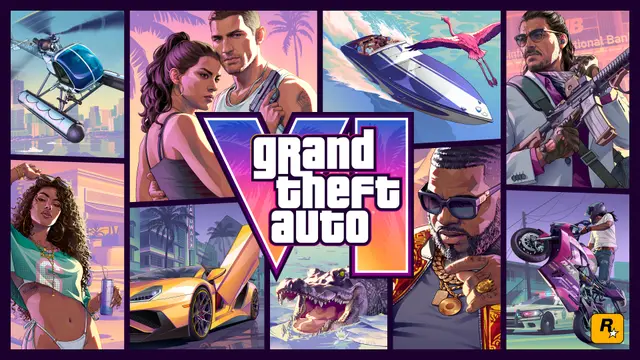
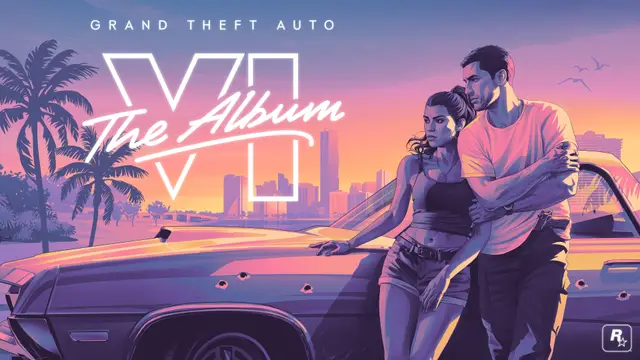
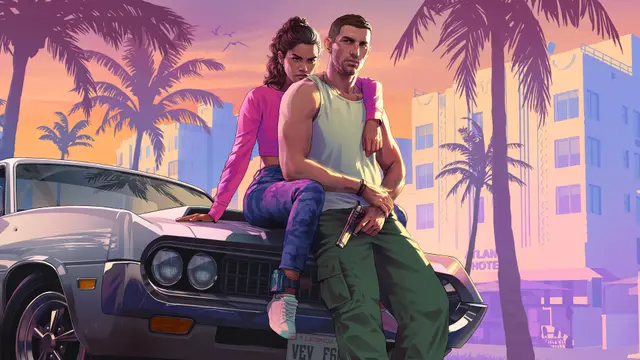
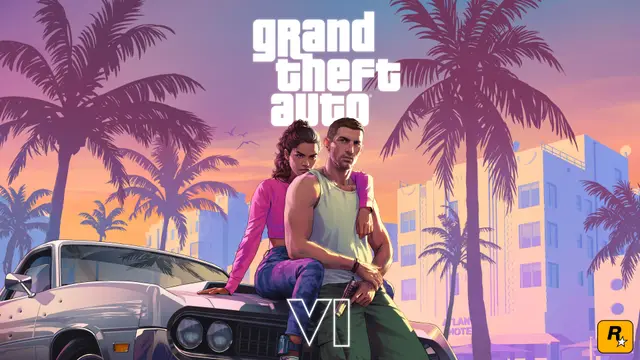
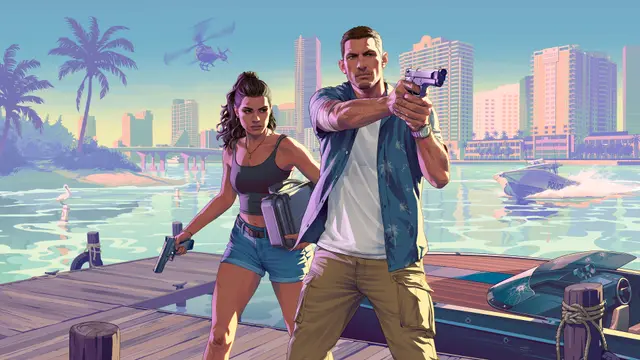
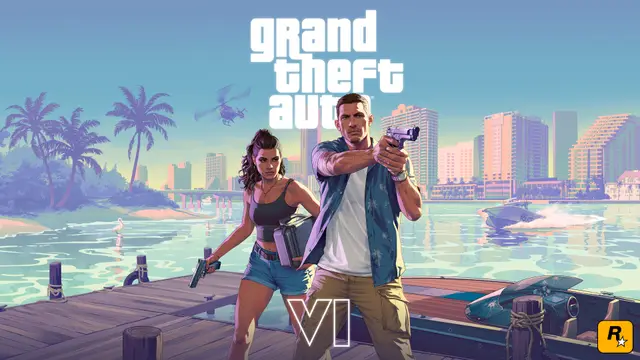
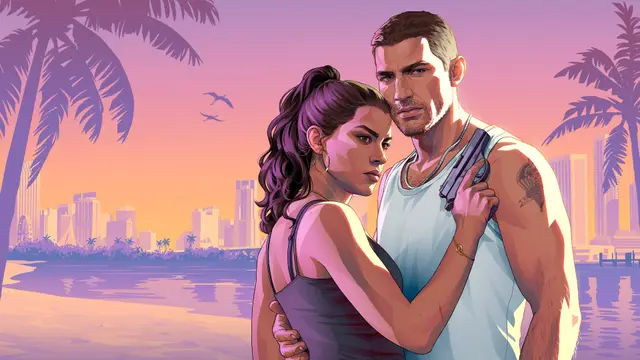
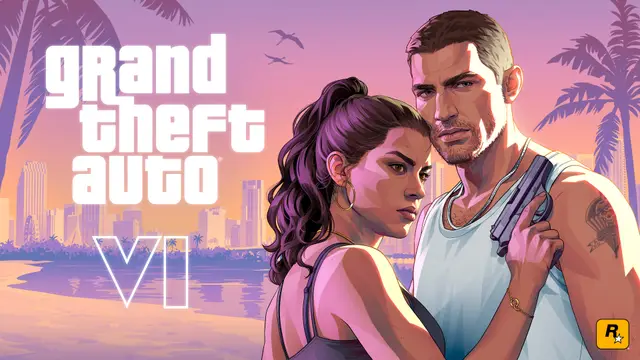
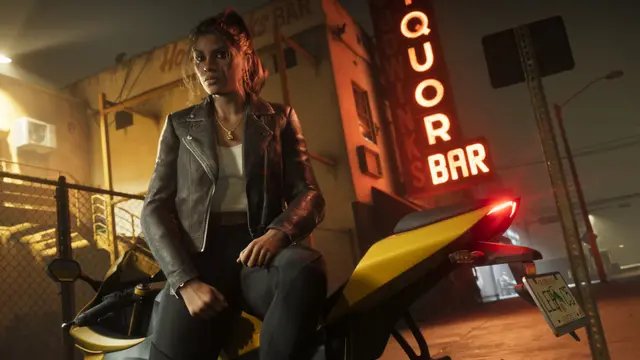
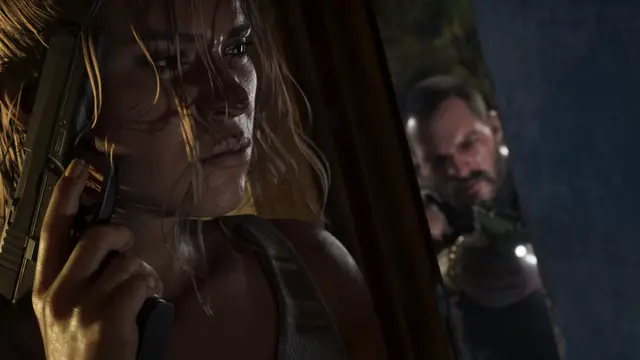
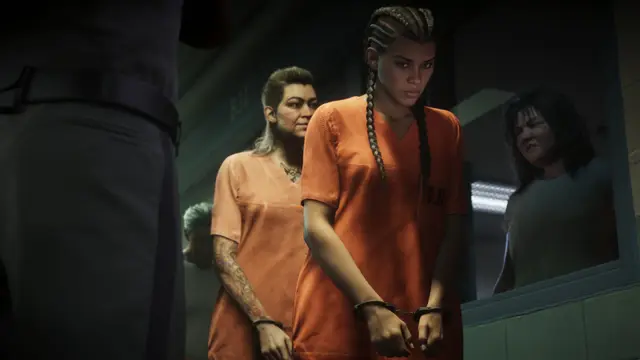
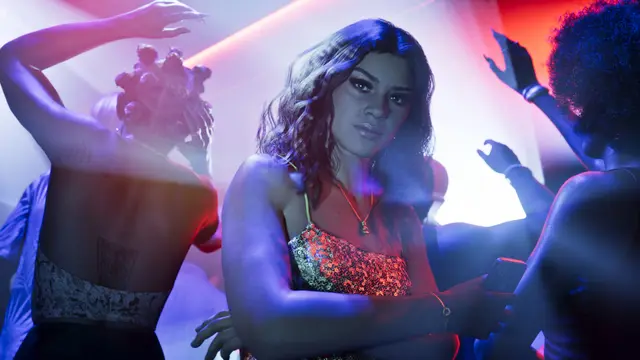
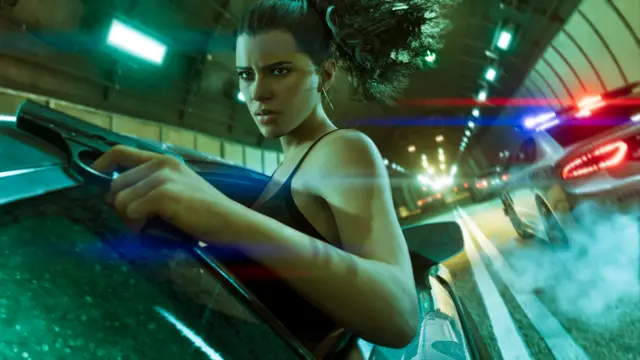
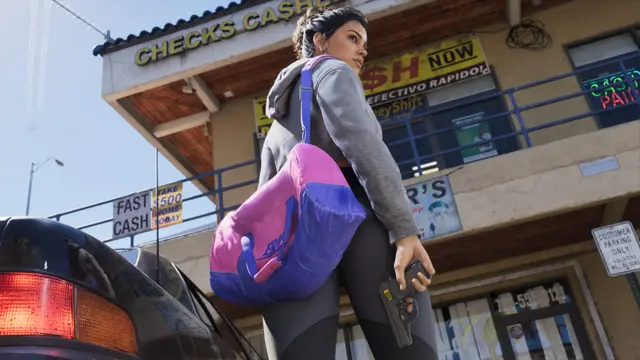
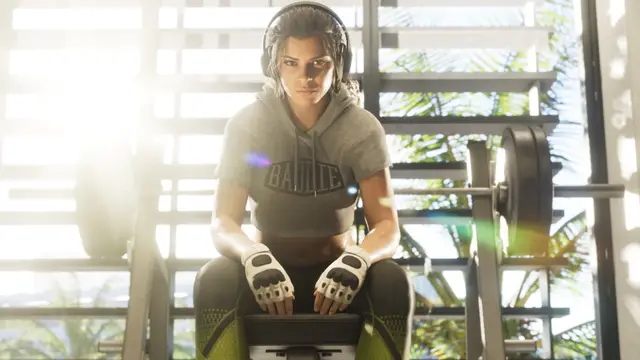
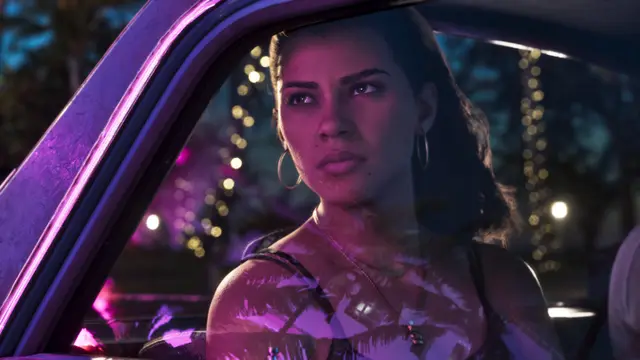
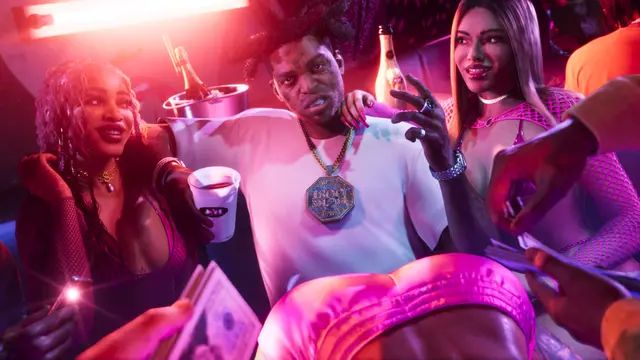
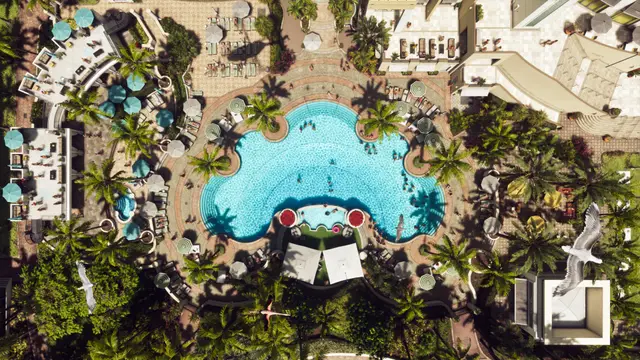
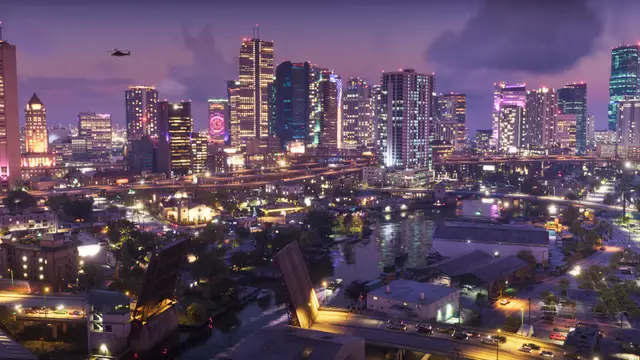
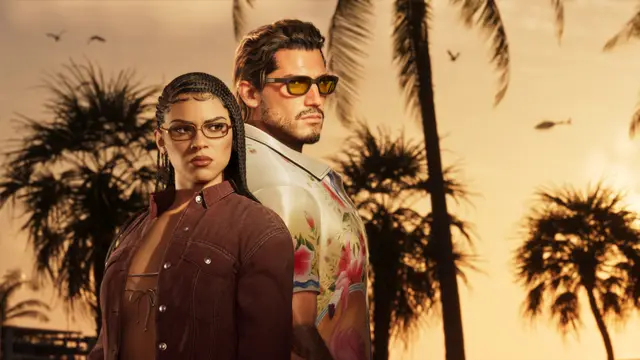
GTA 6 wallpapers
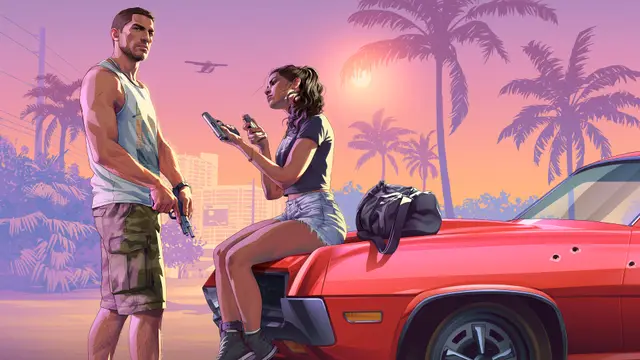
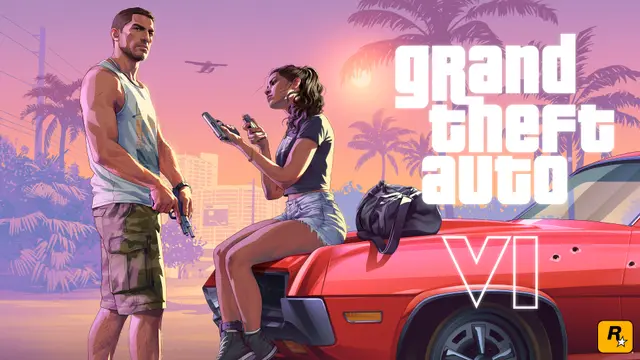
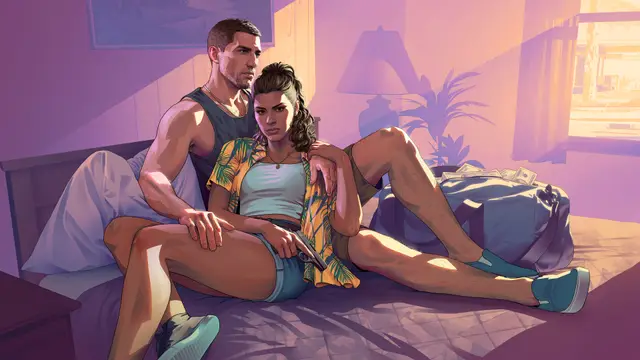
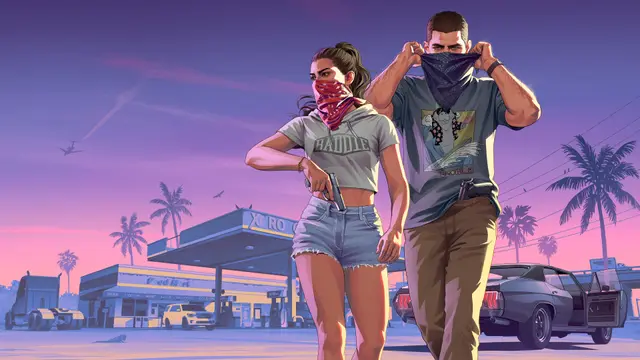
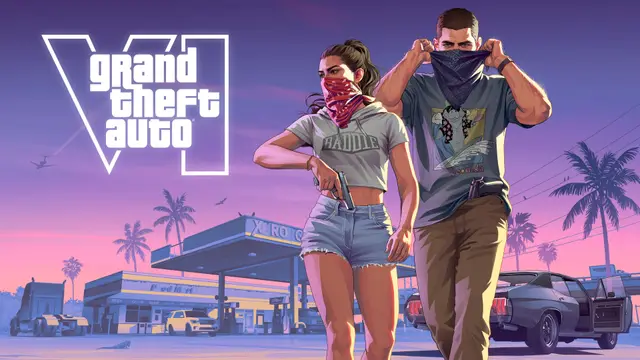
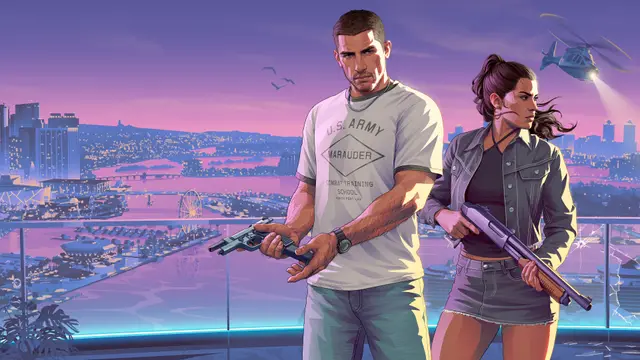
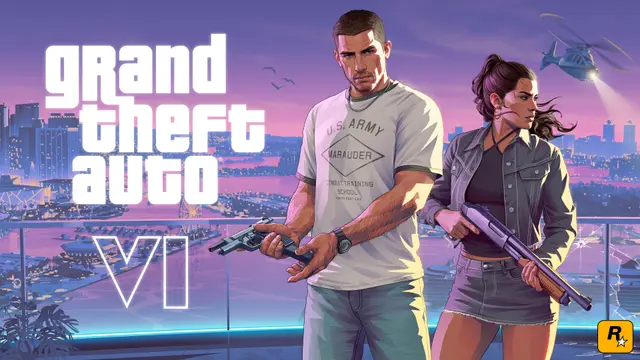
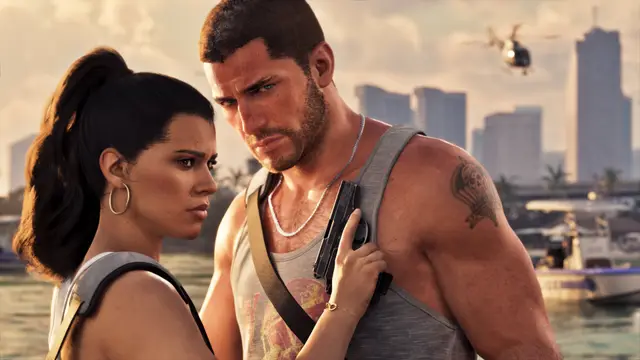
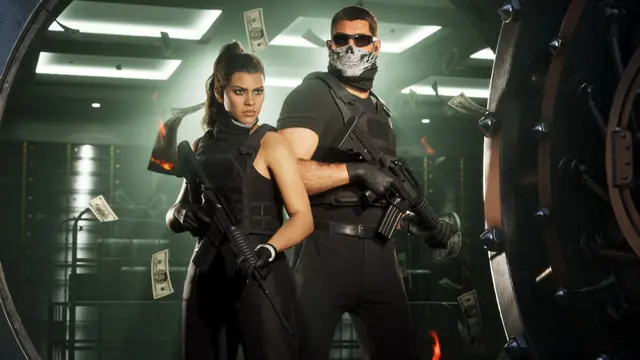
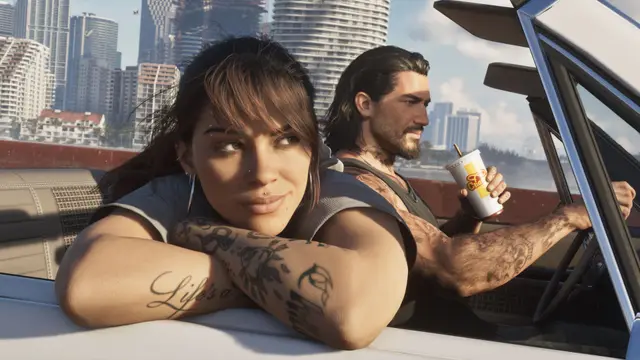
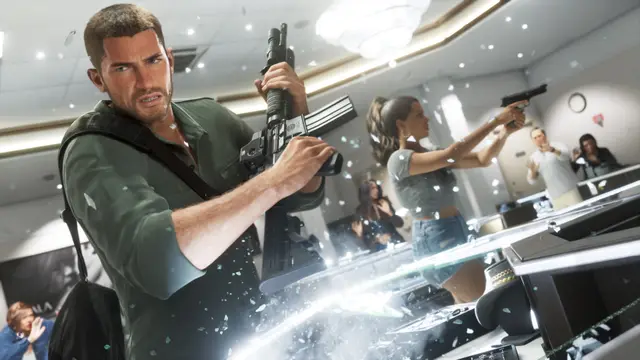
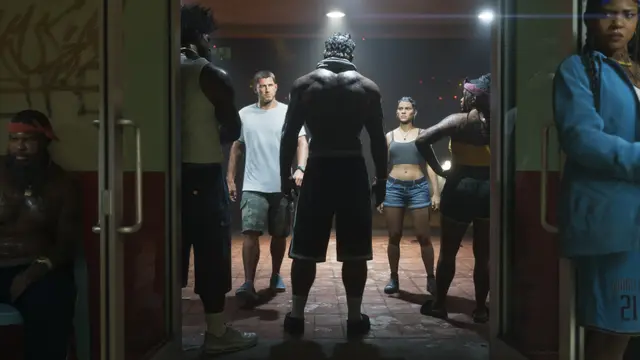
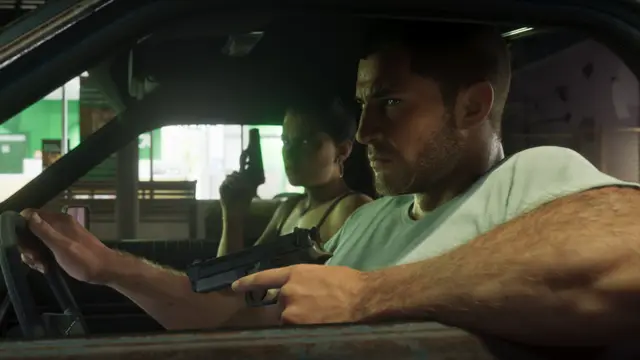
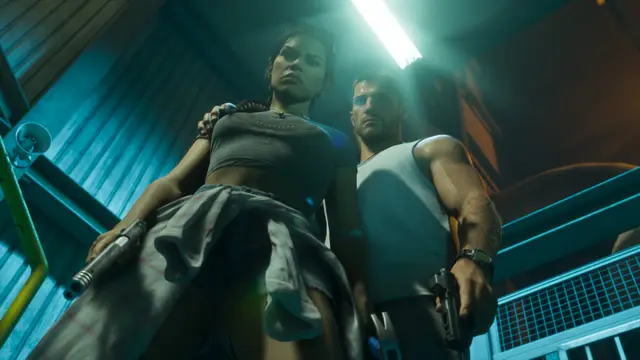
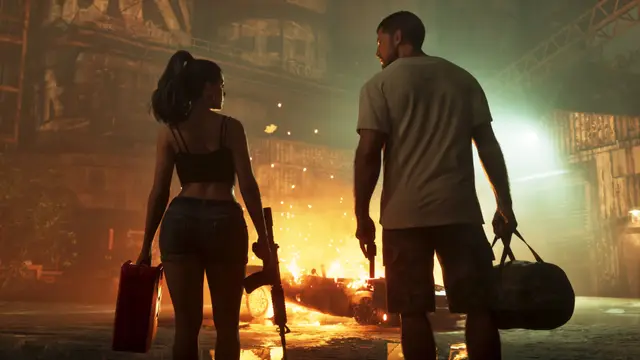
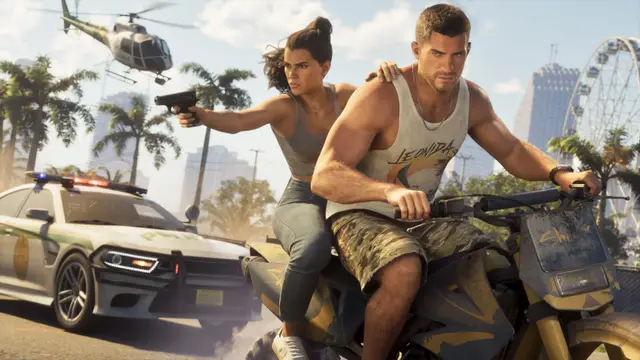
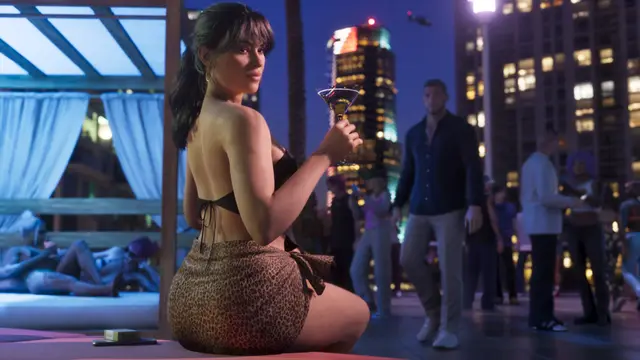
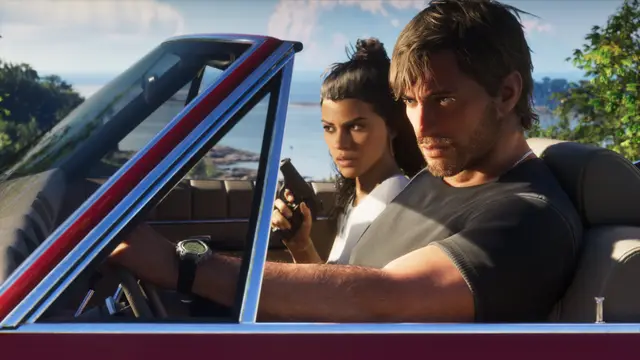
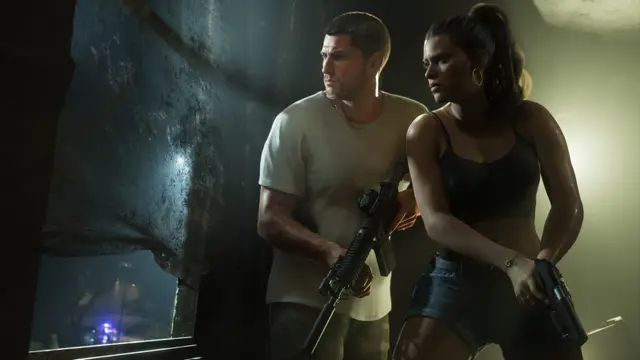
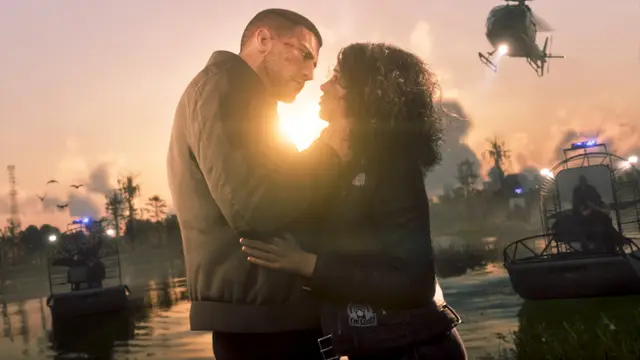
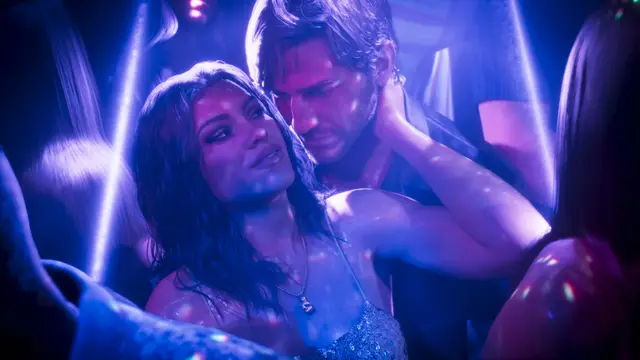
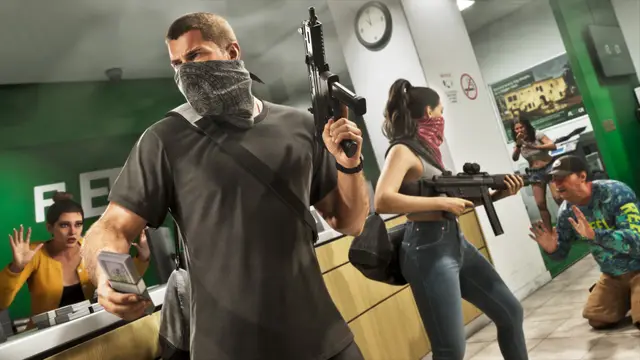
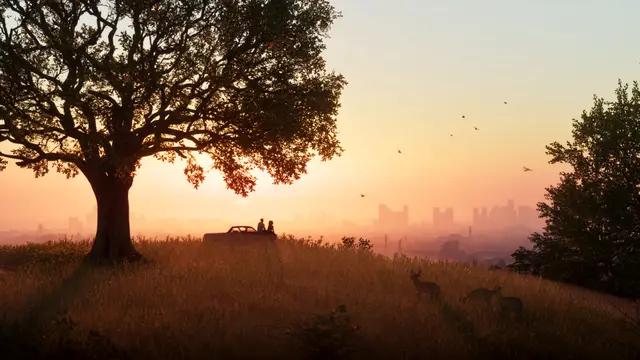
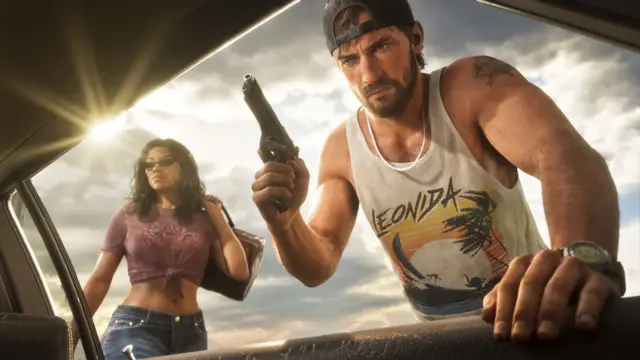
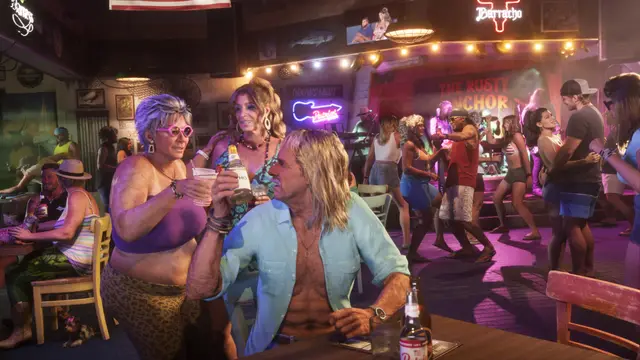
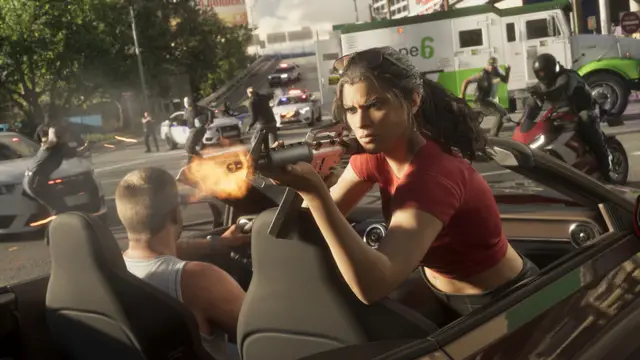
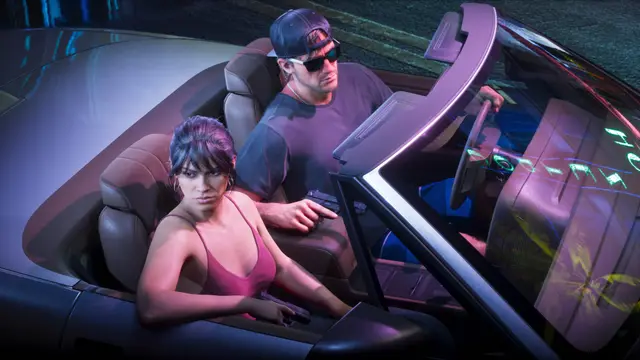
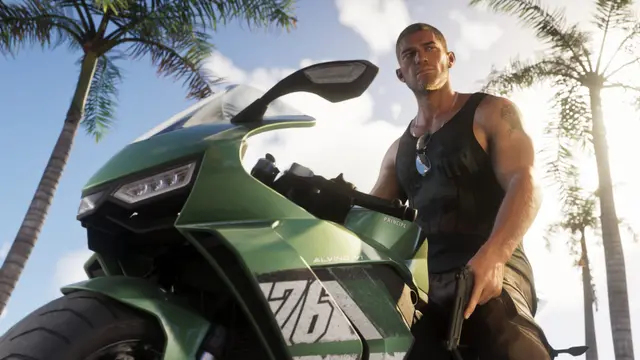
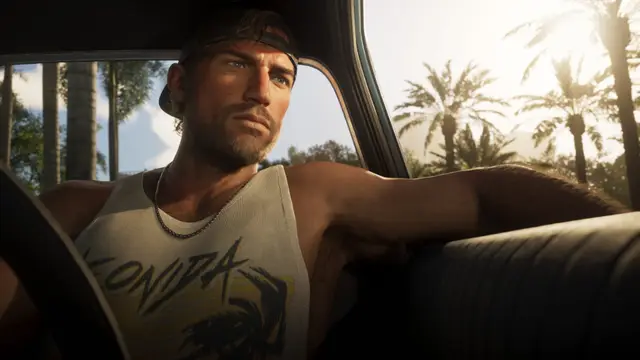
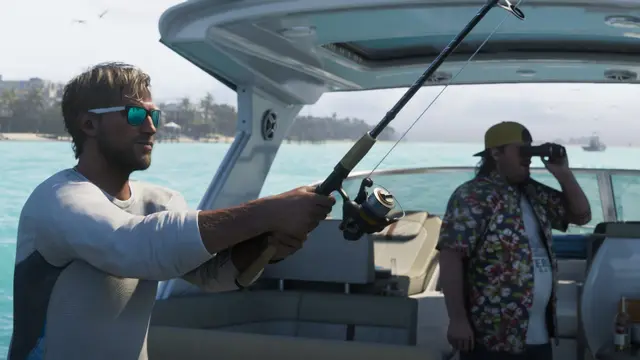
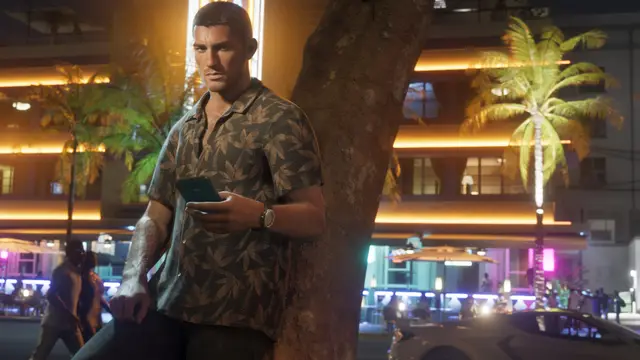
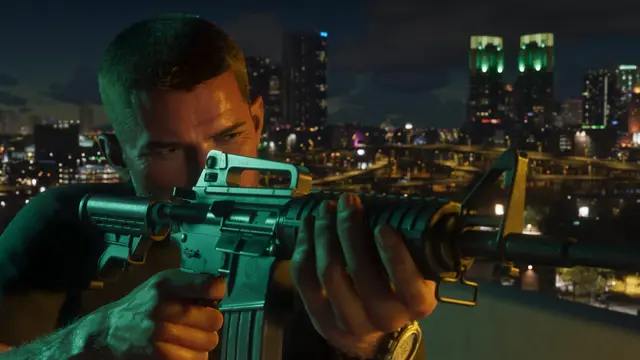
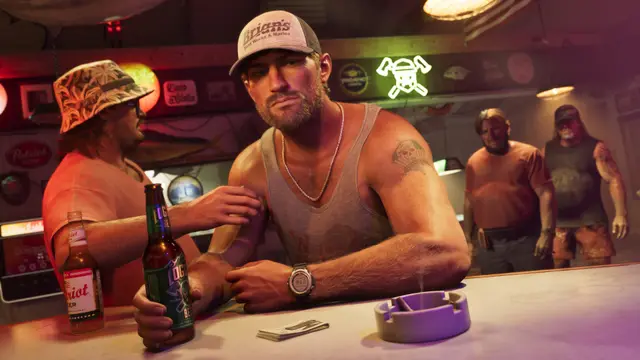
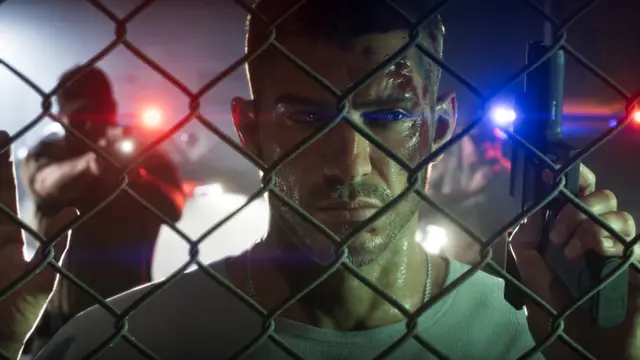
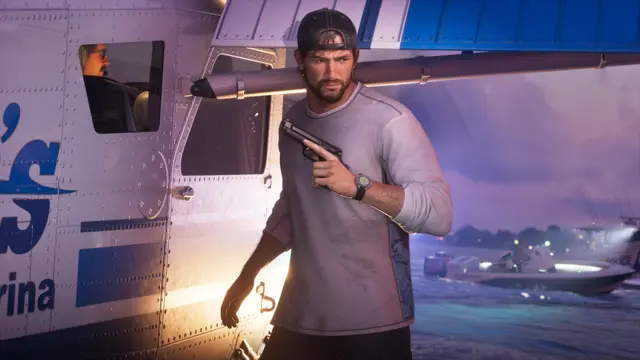
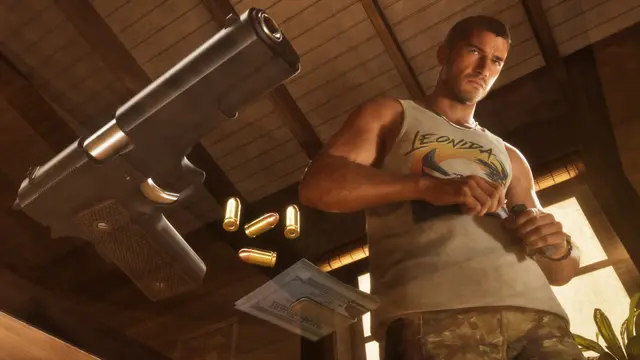
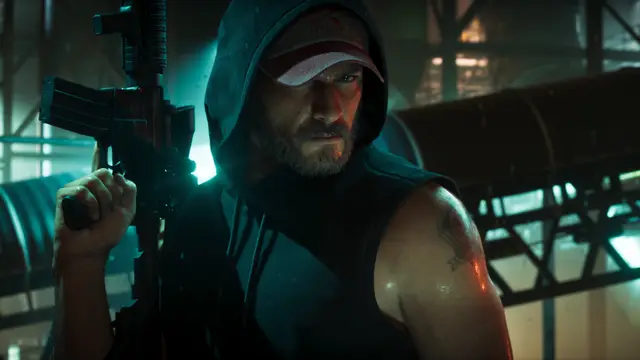
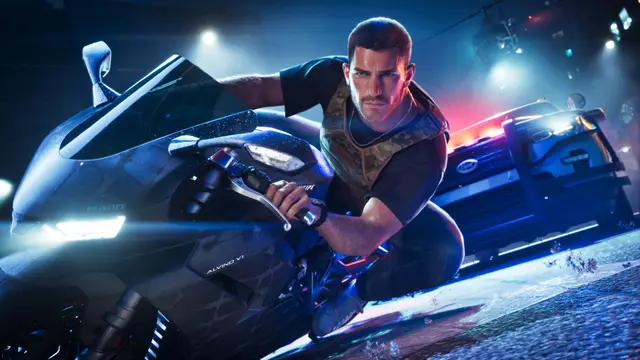
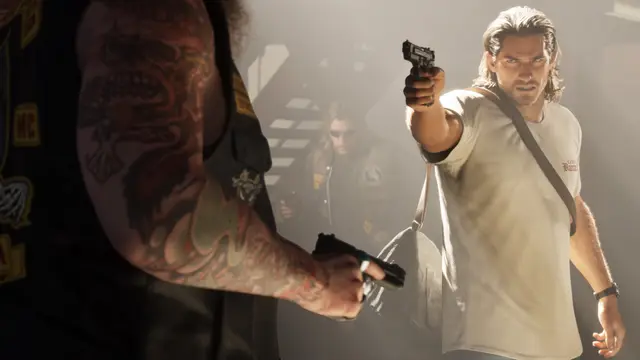
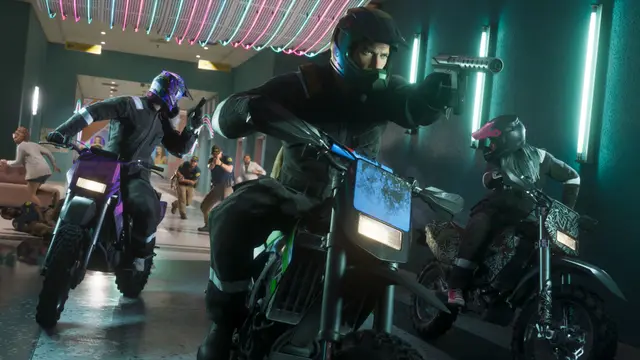
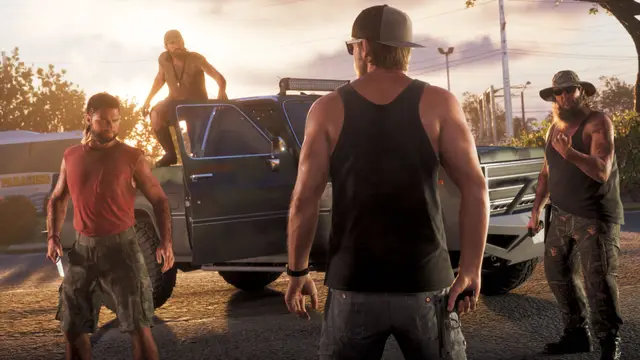
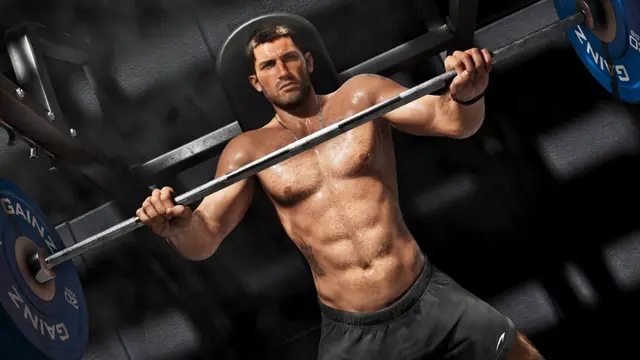
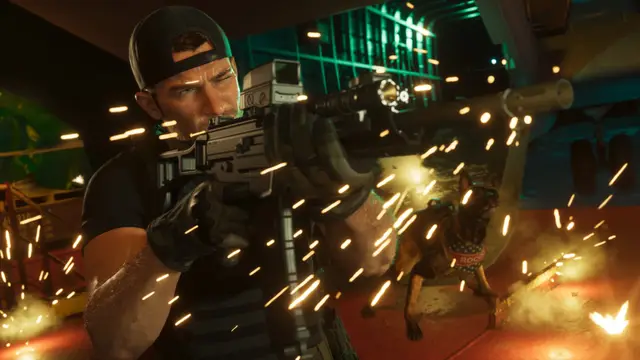
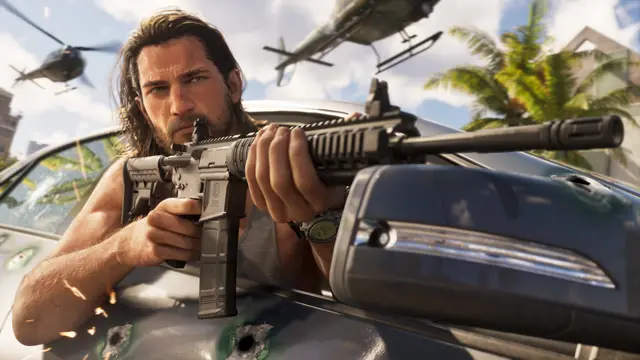
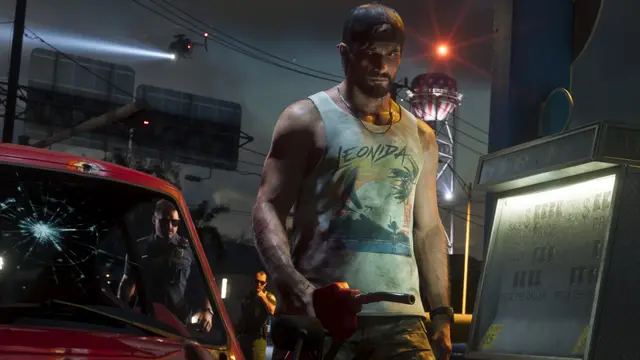
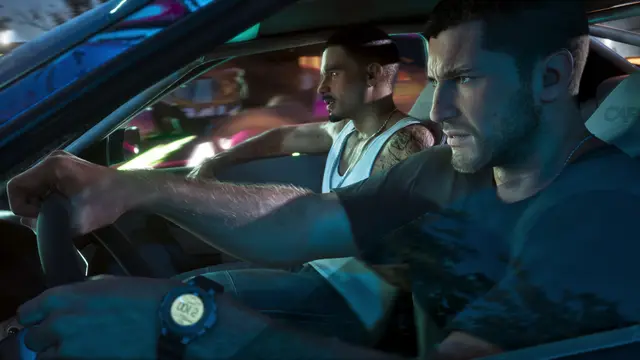
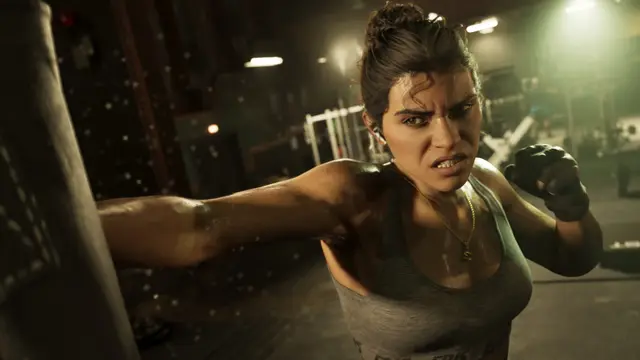
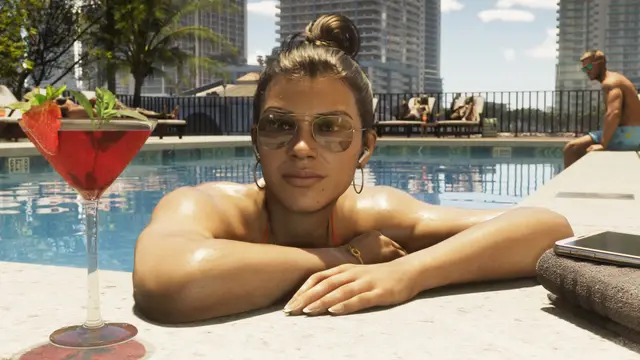
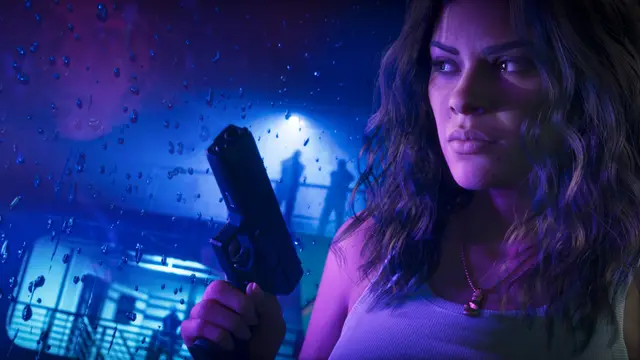
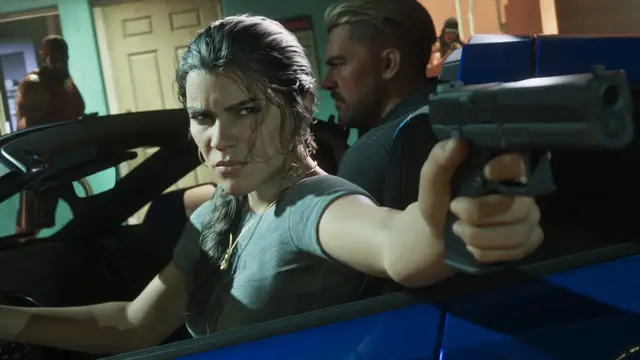
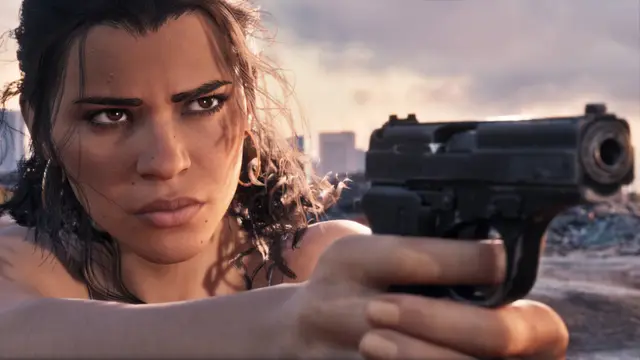
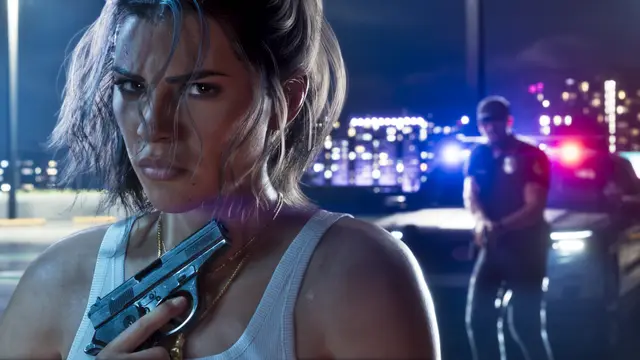
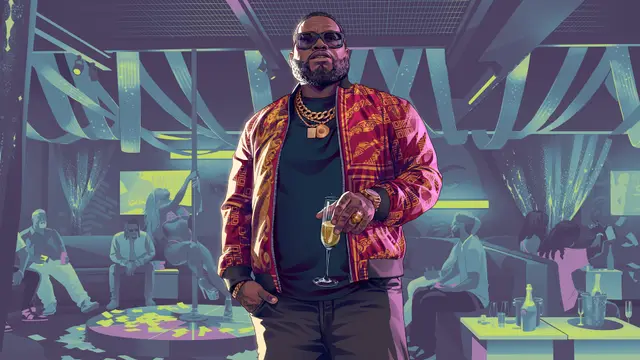
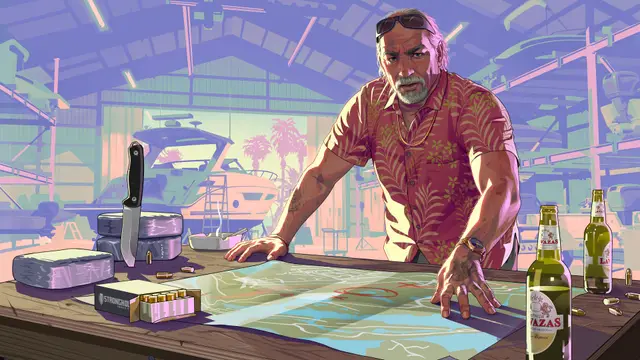
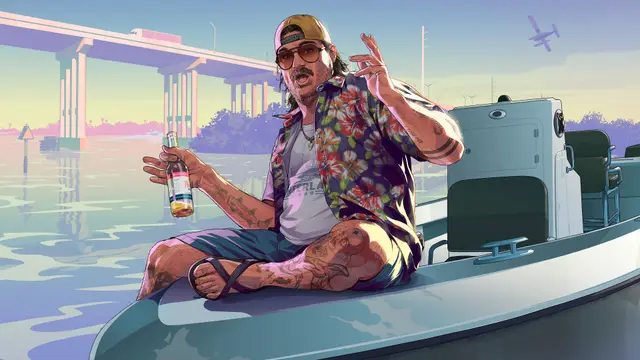
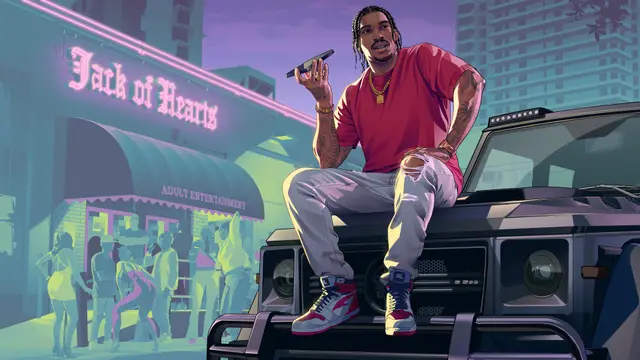
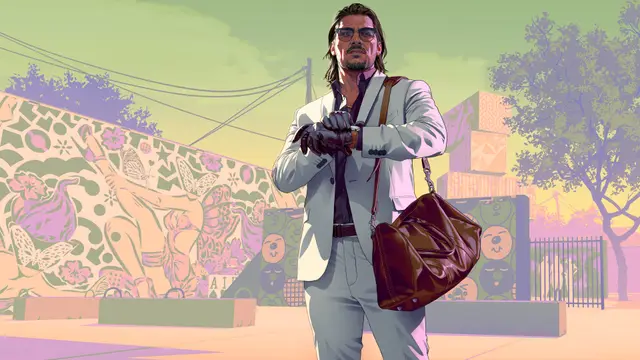
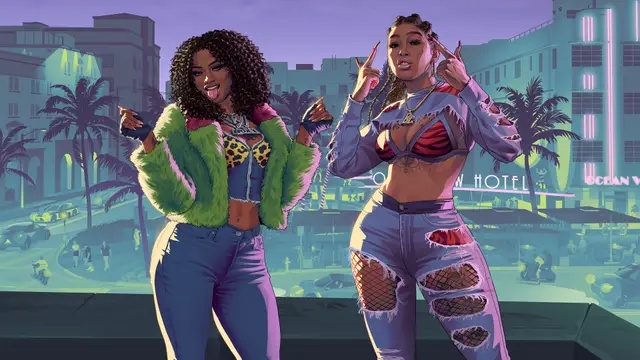
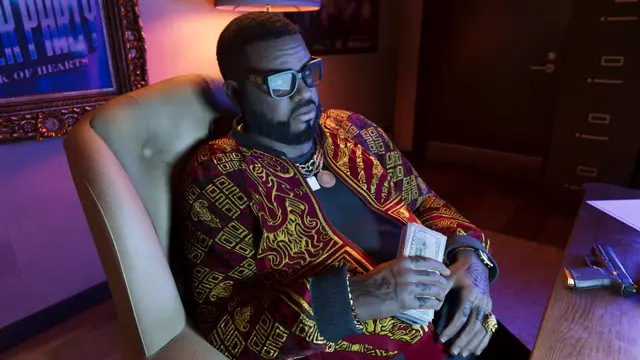
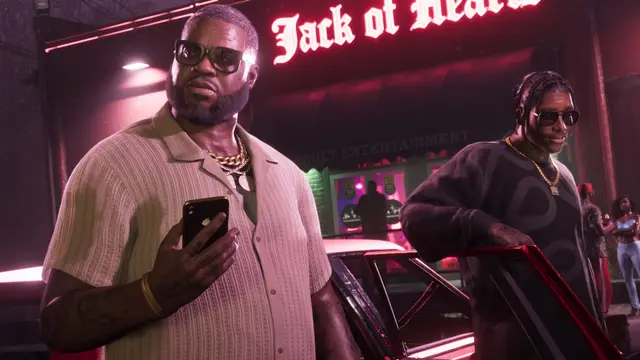
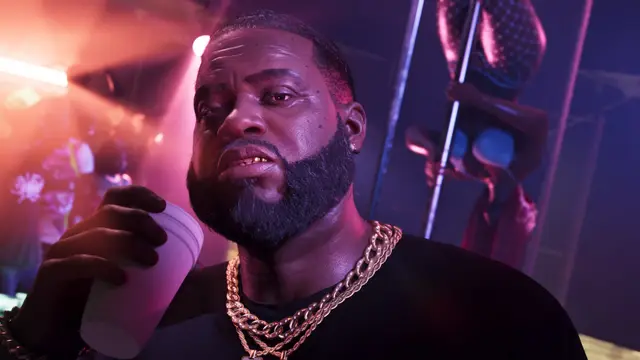
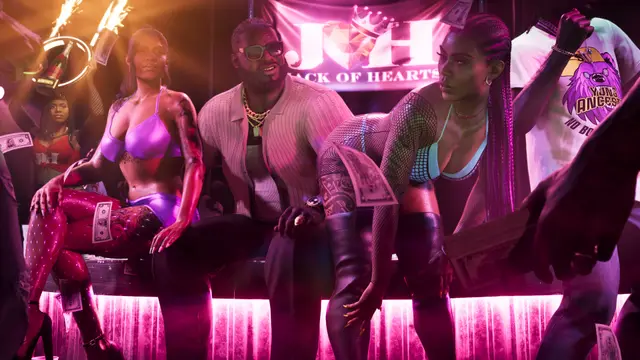
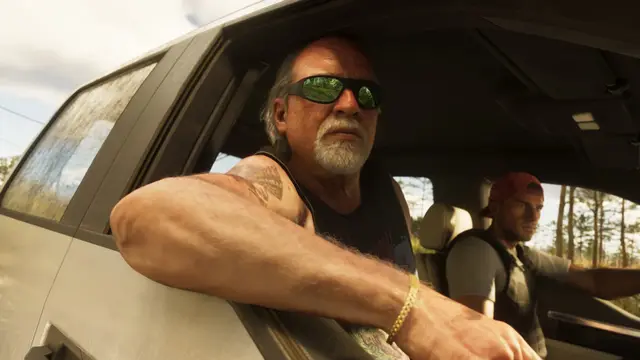
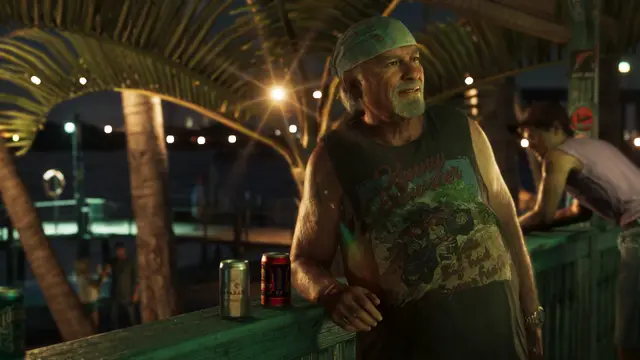
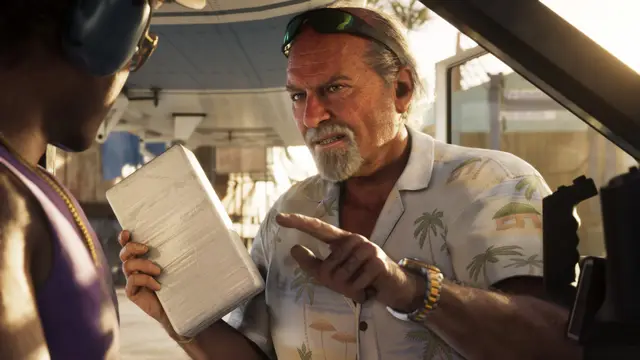
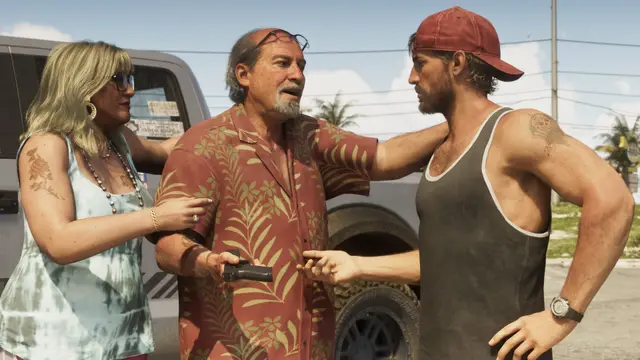
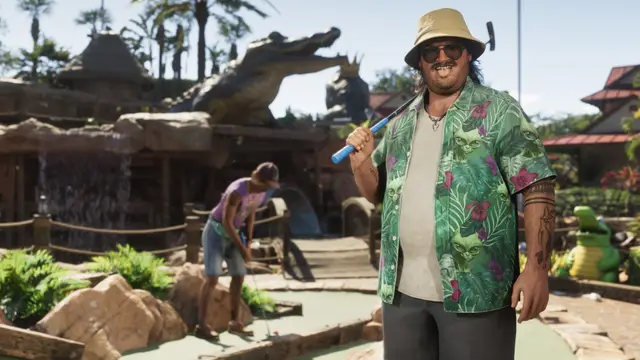
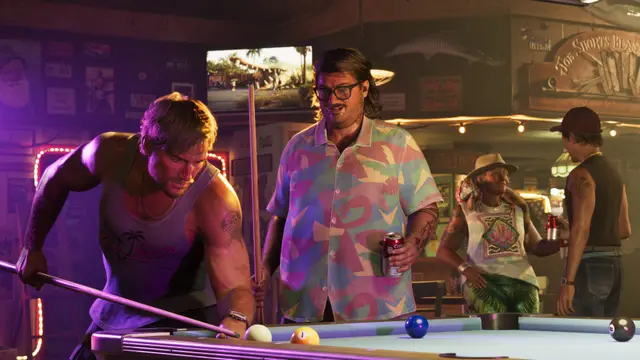
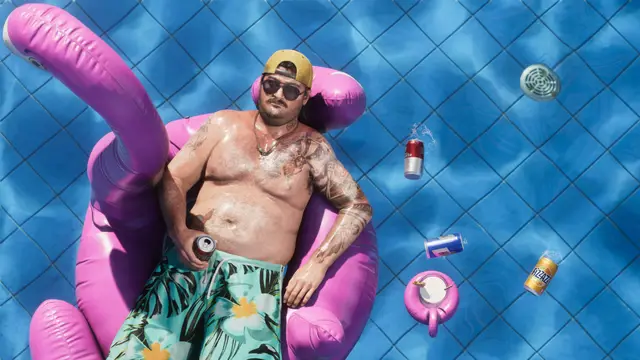
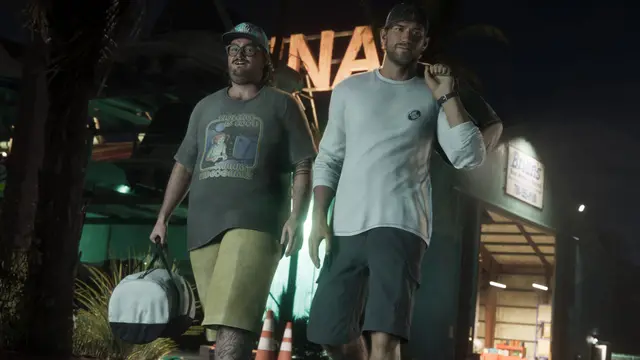
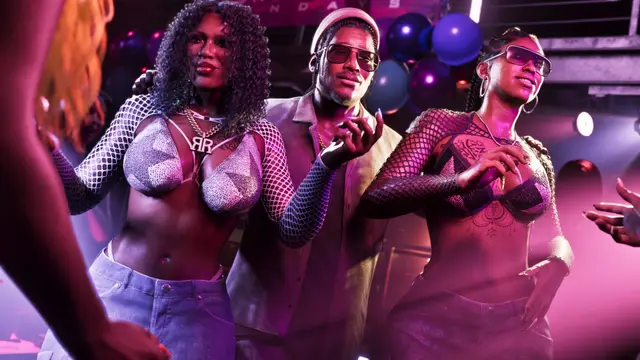
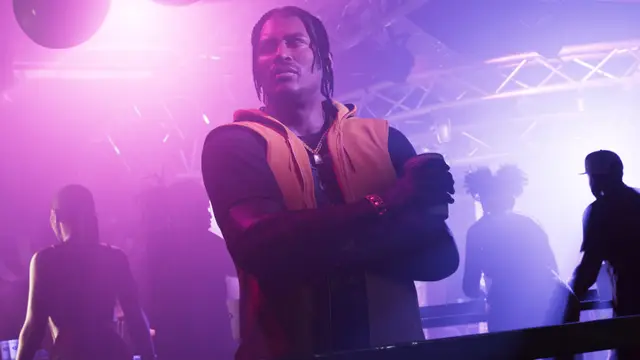
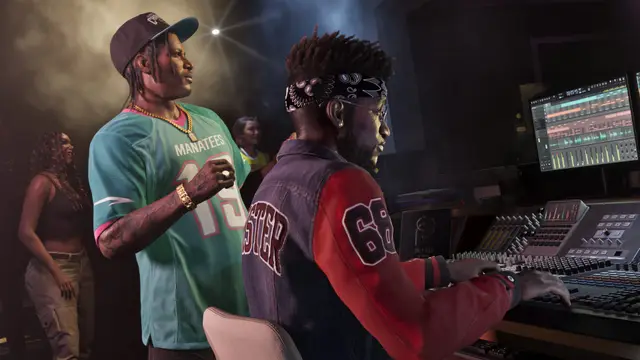
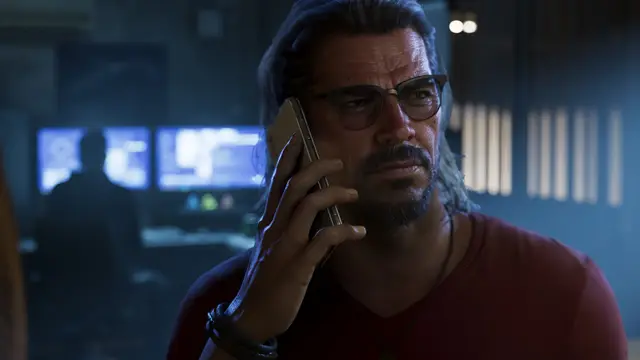
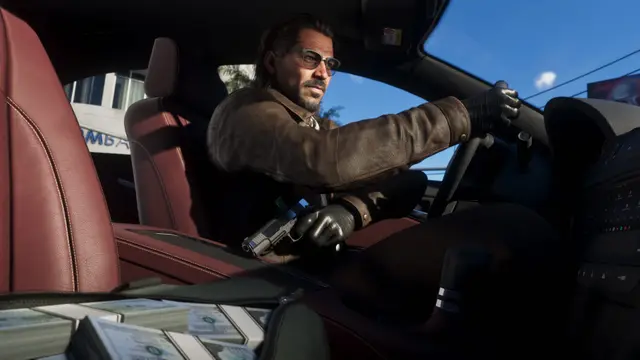
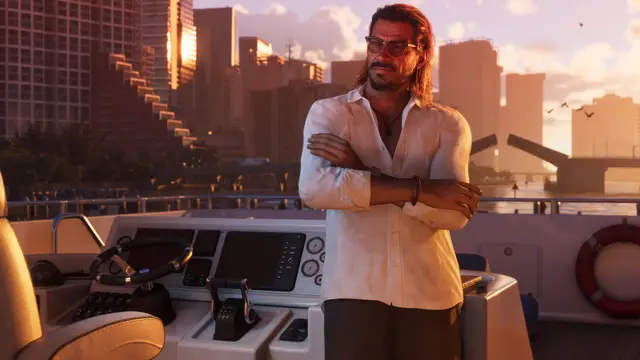
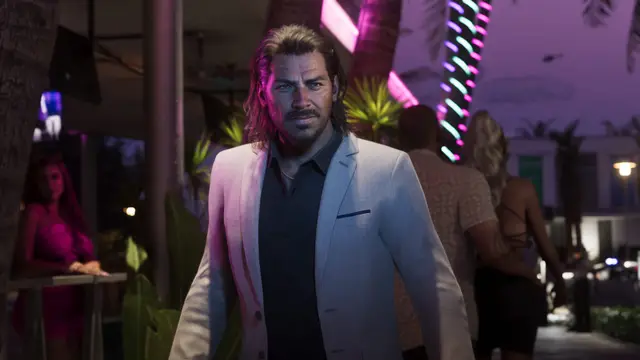
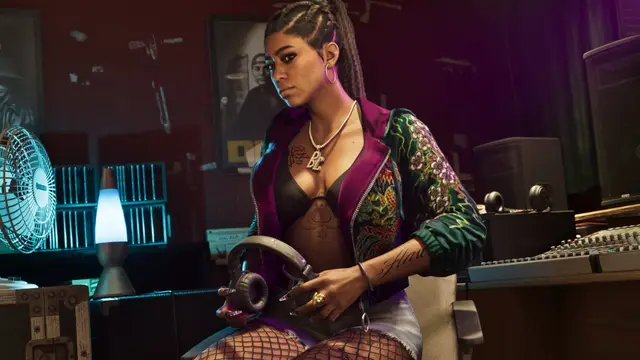
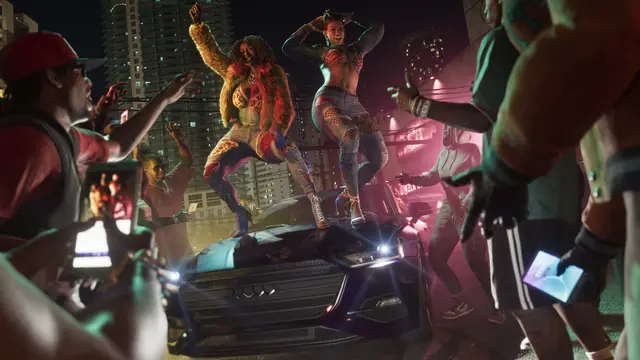
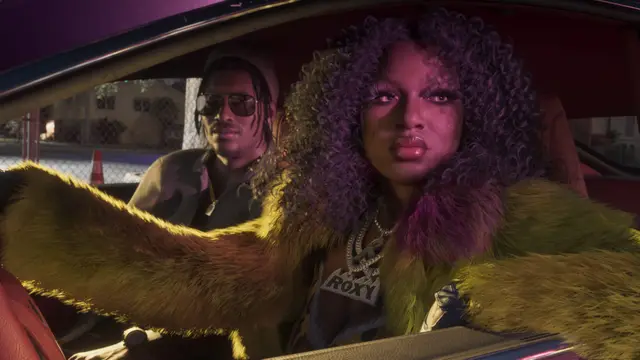
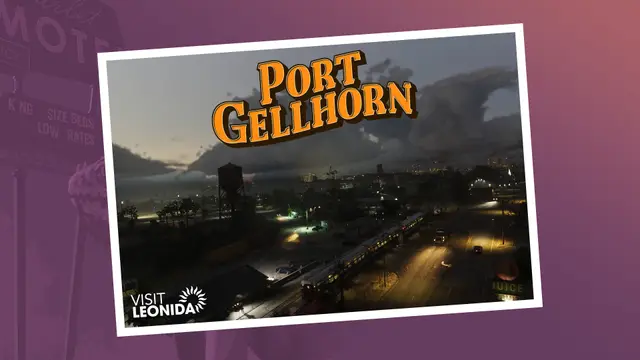
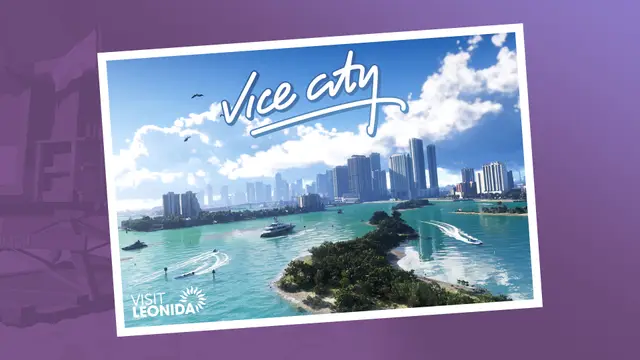
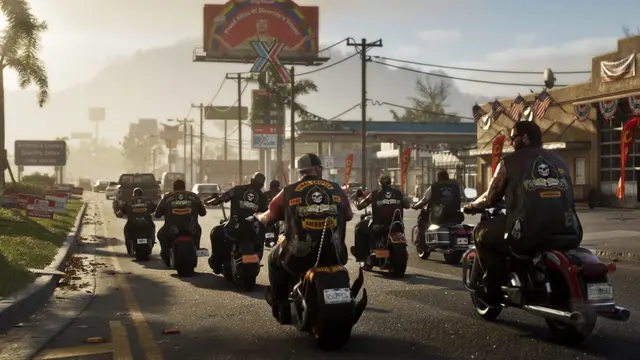
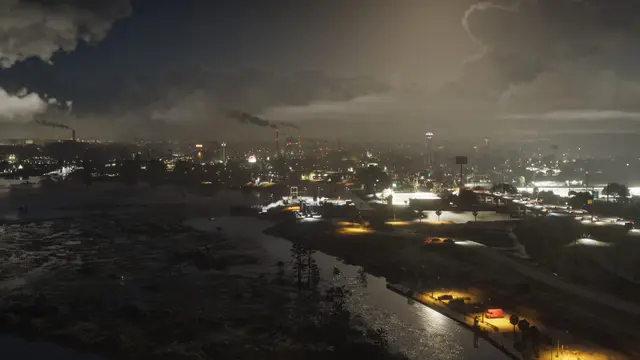
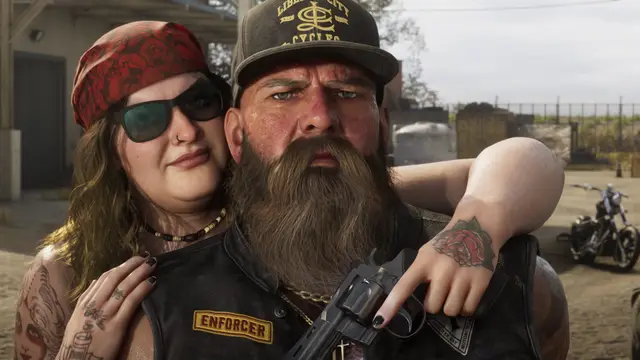
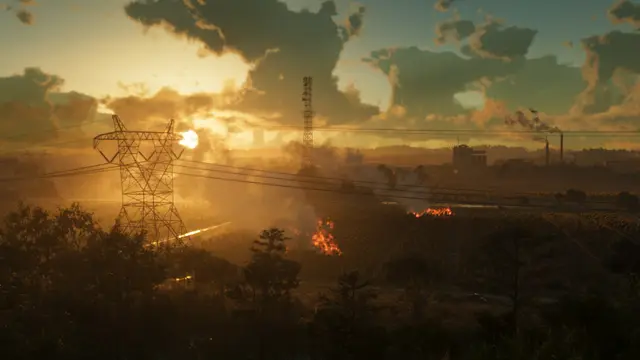
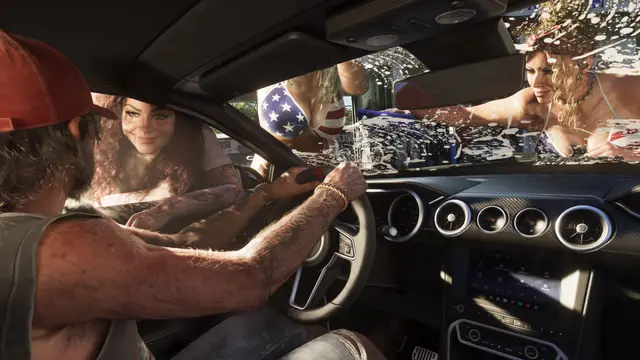
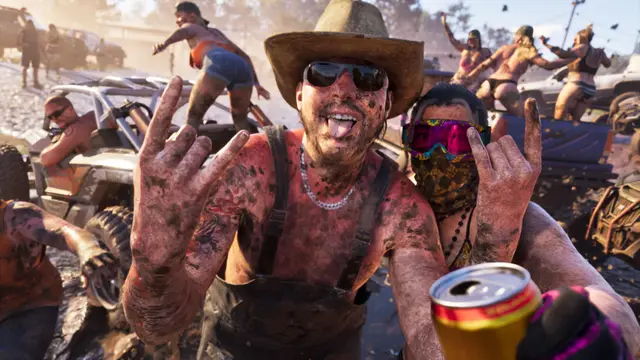
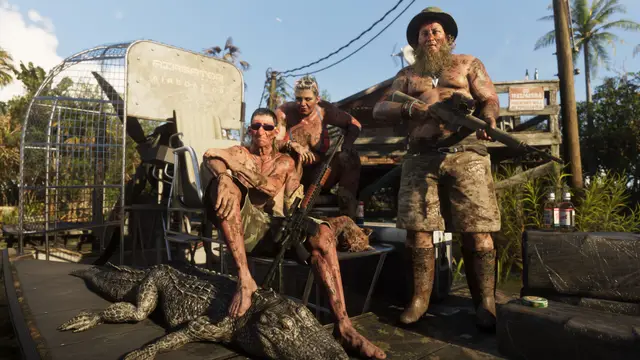
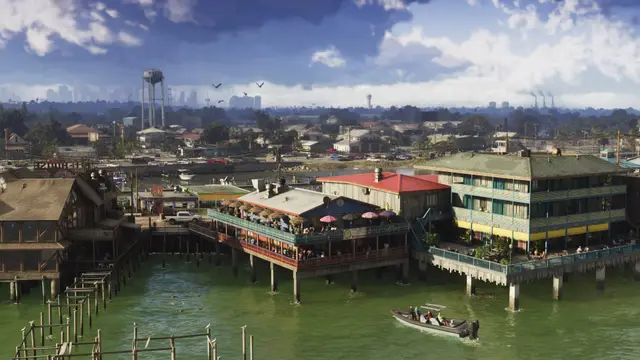
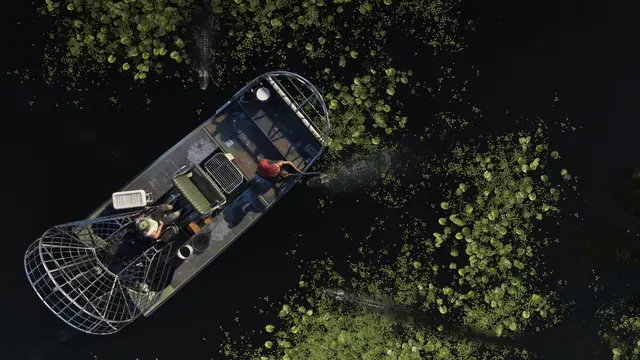
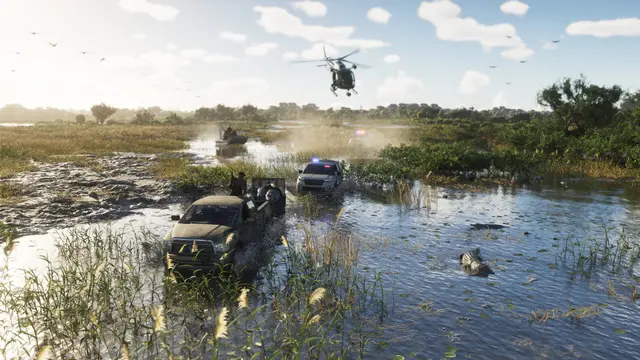
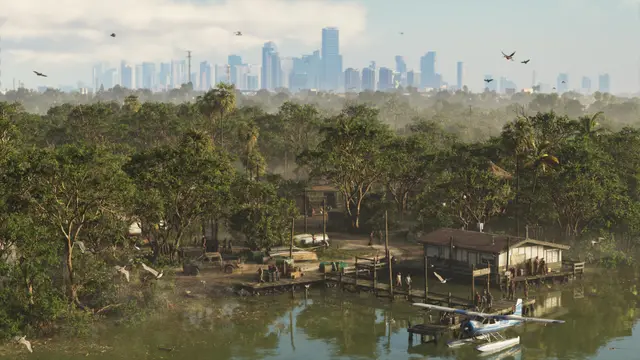
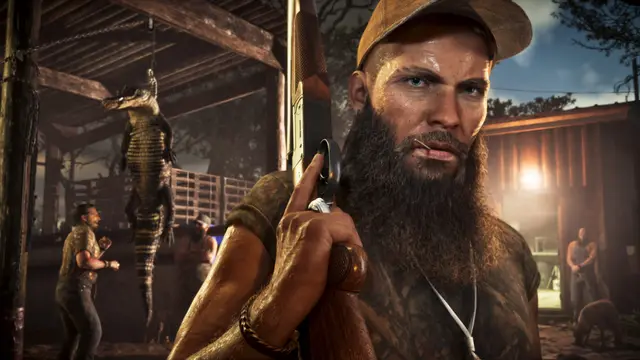
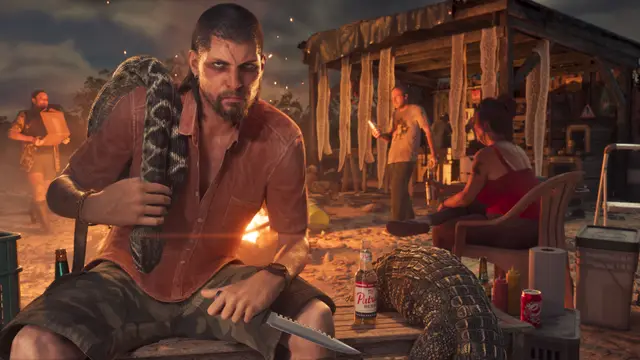
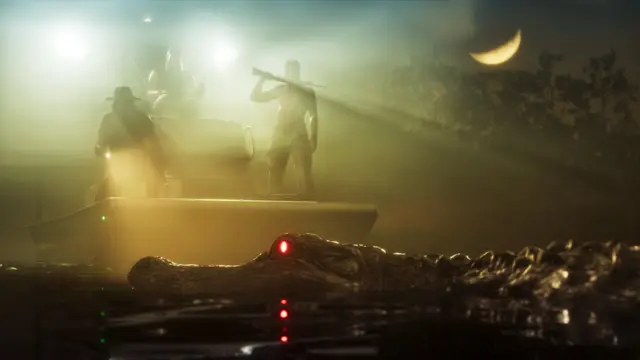
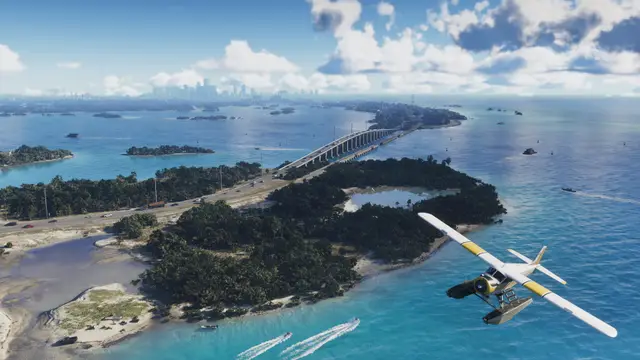
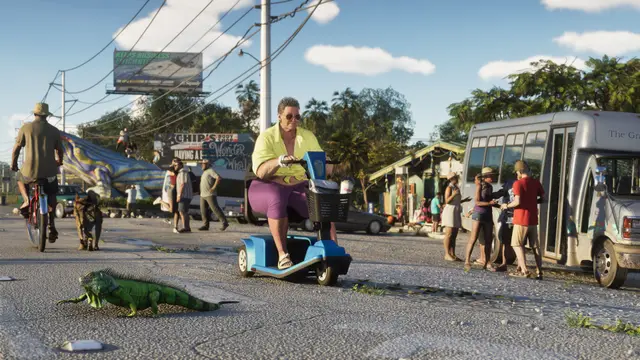
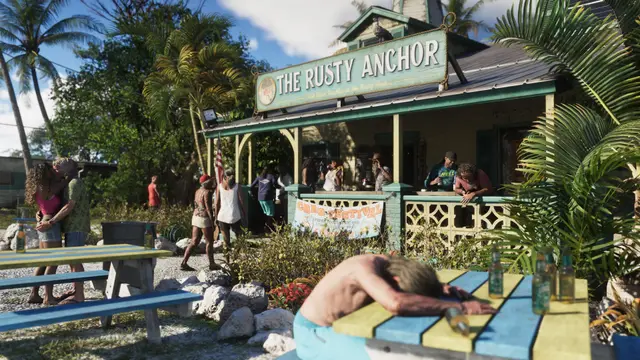
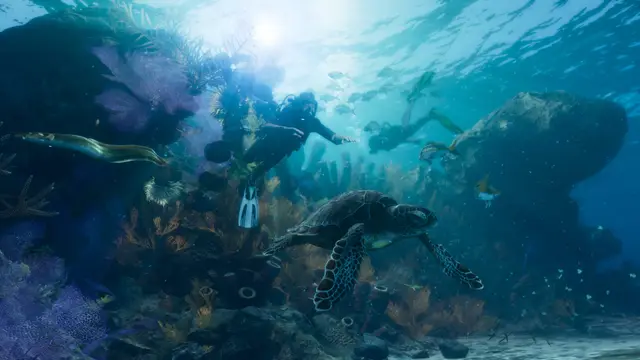
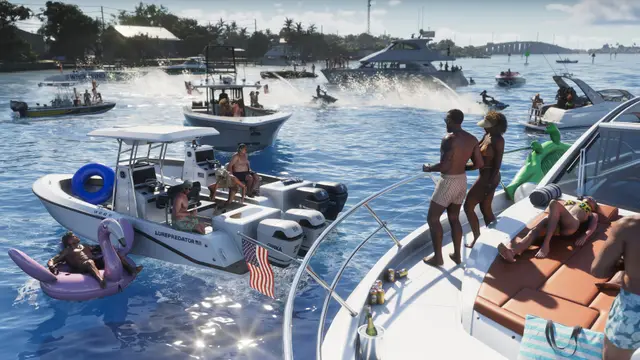
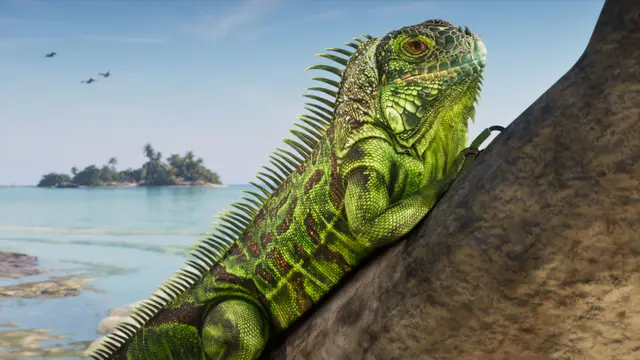
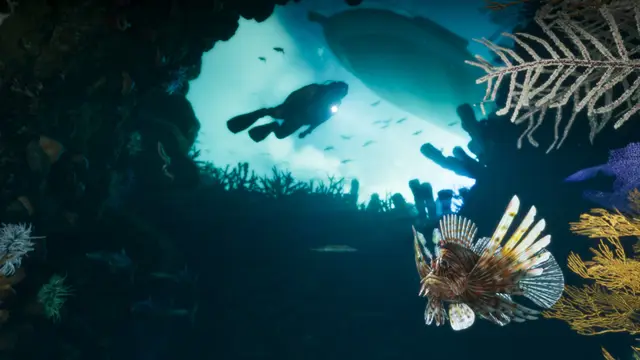
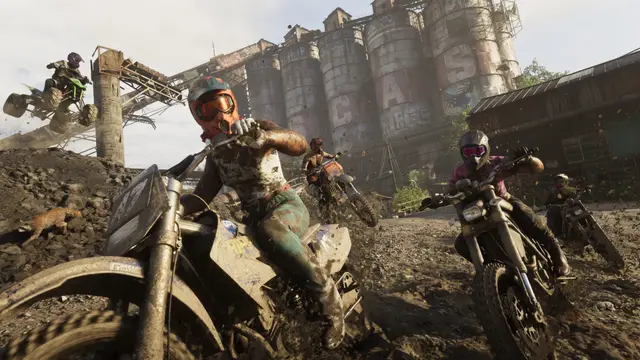
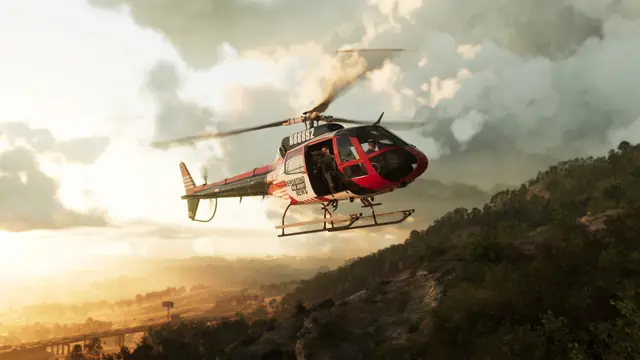
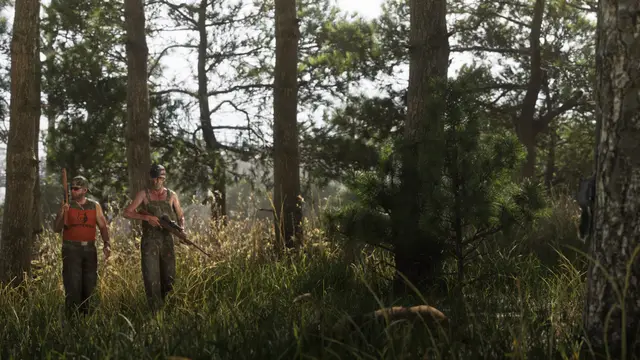
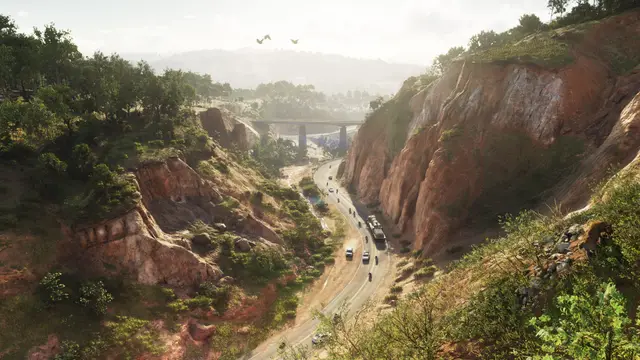
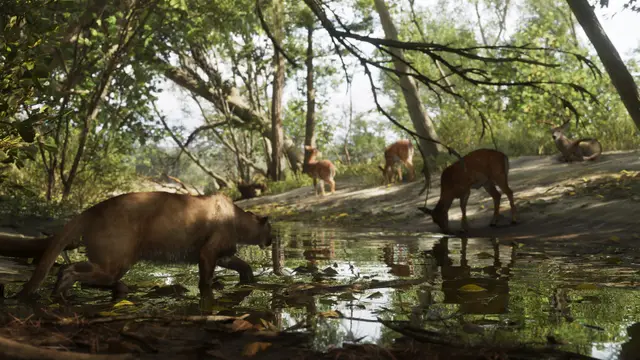
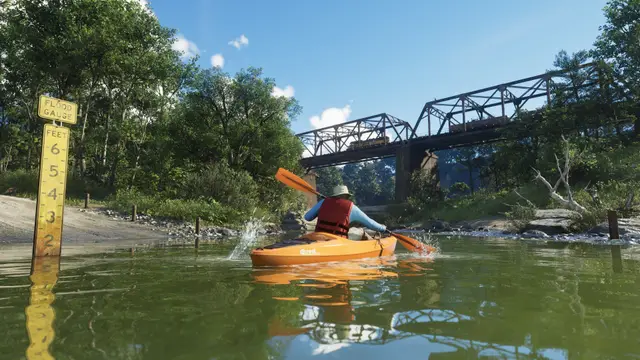
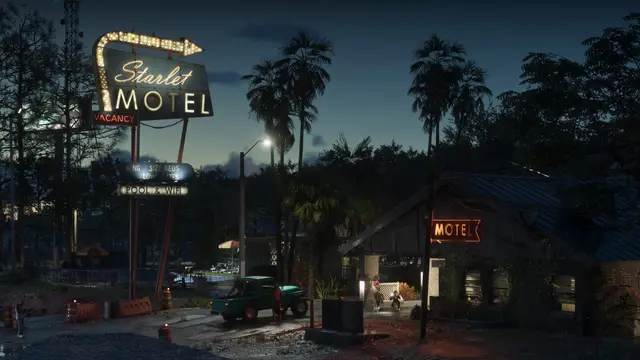
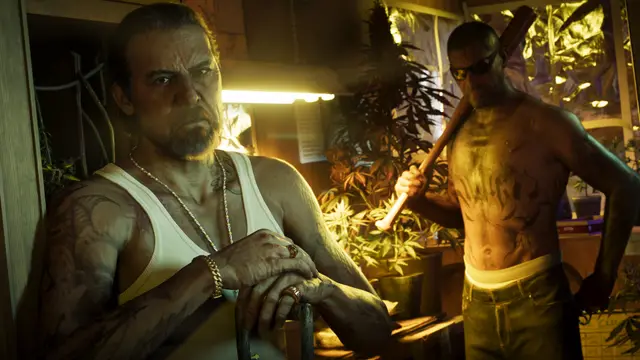
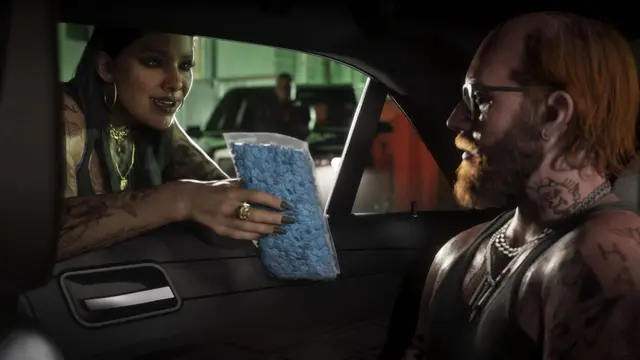
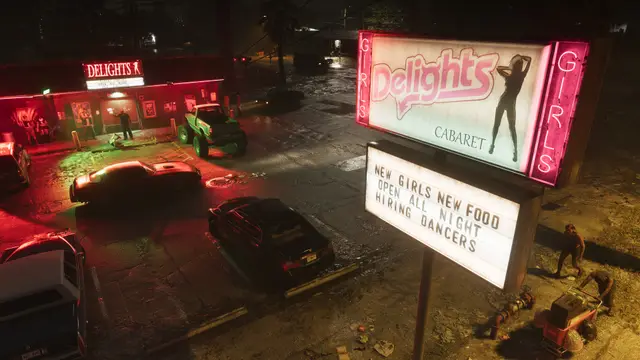
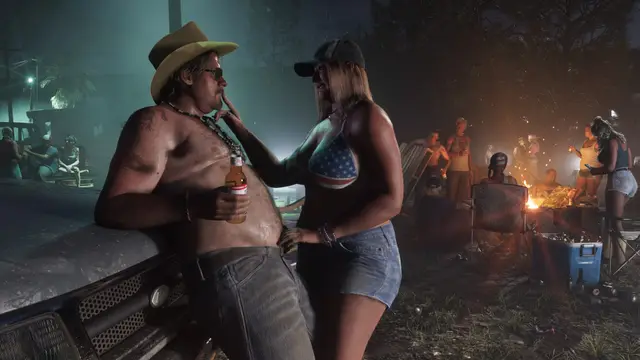
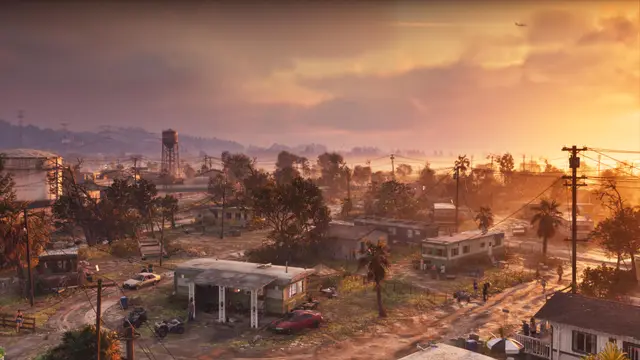
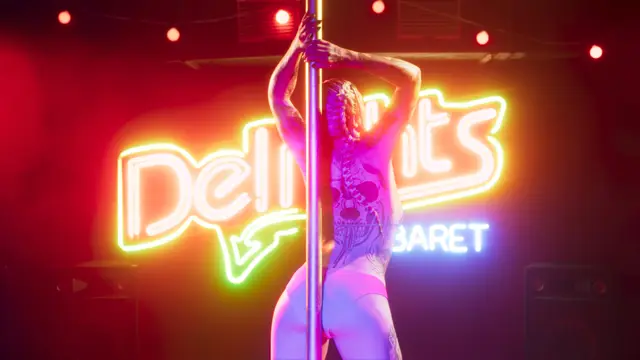
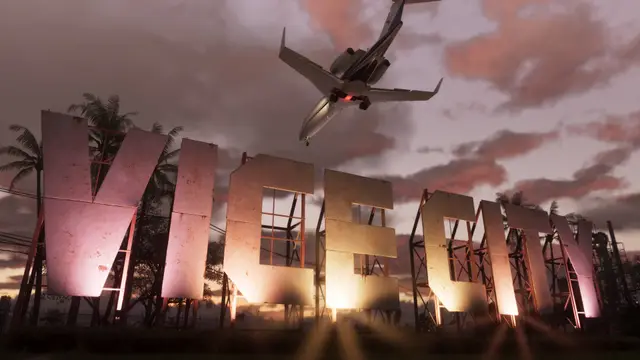
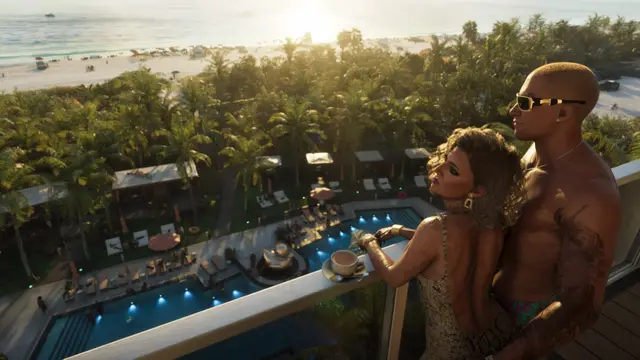
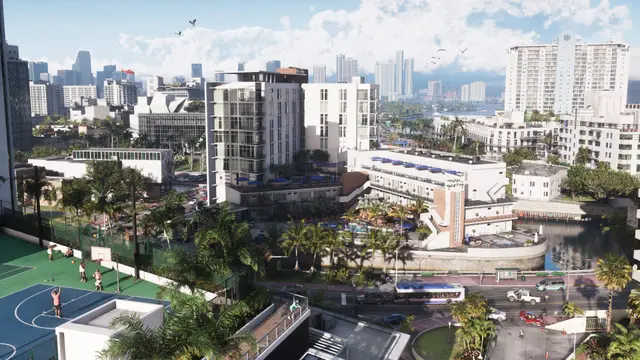
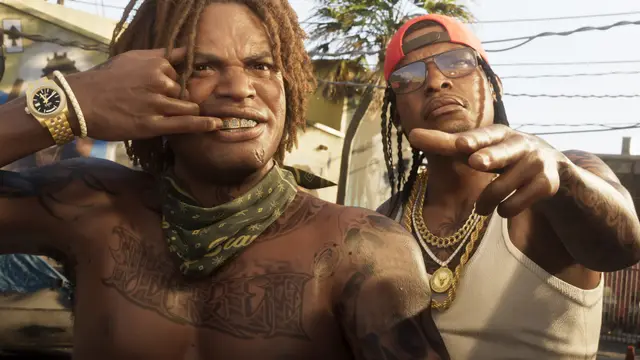
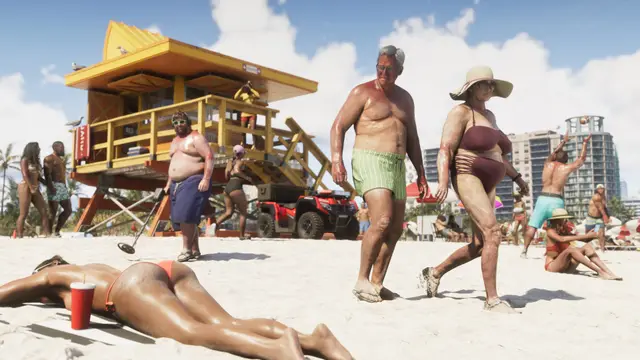
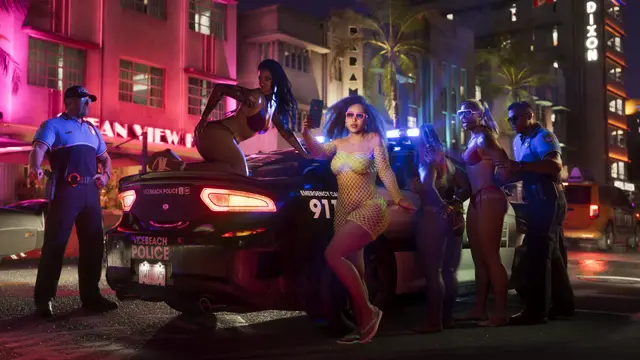
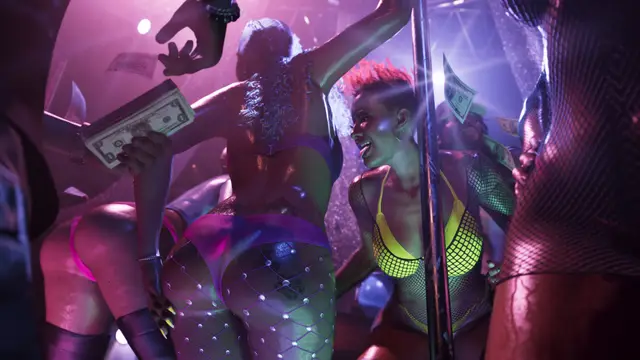
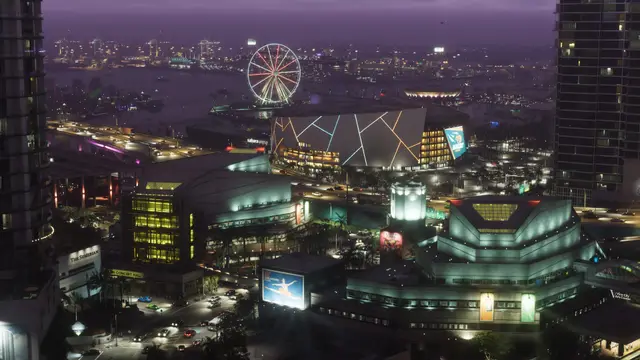
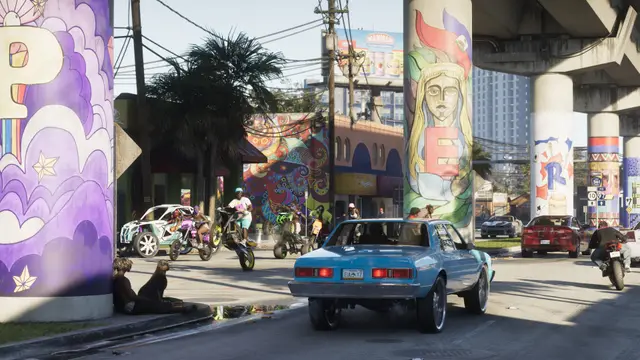
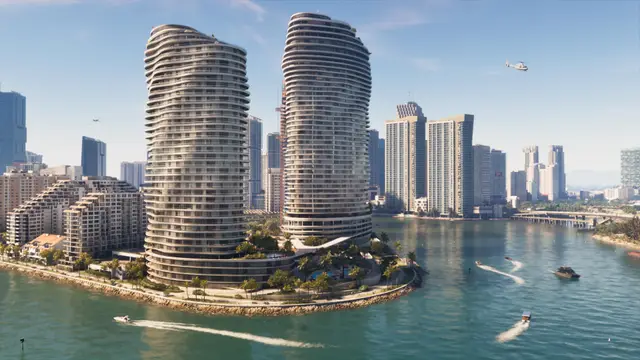
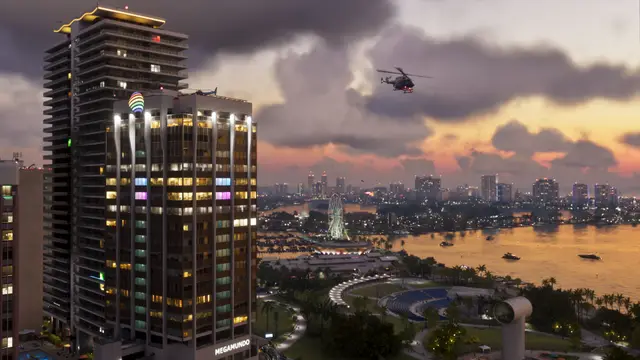
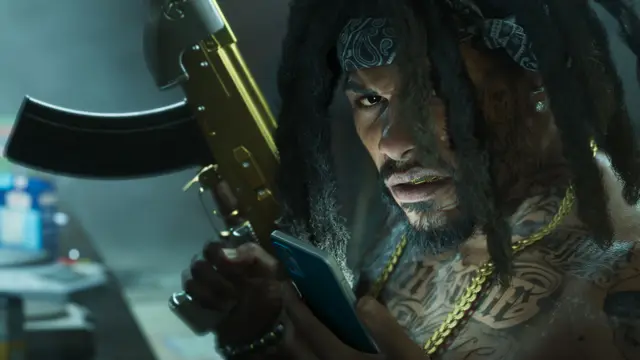
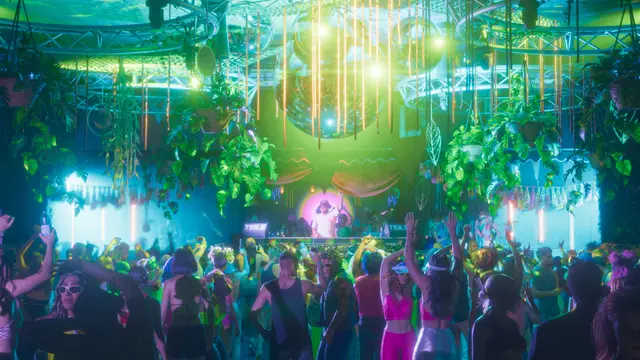
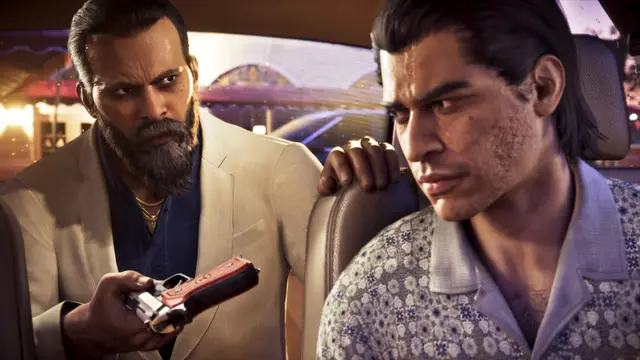
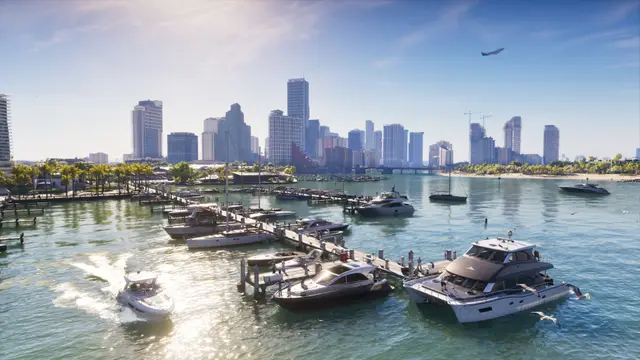
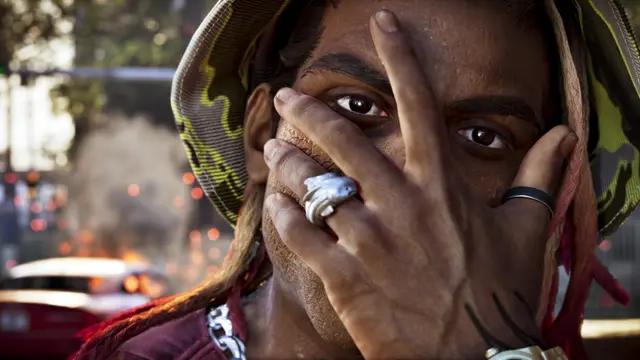
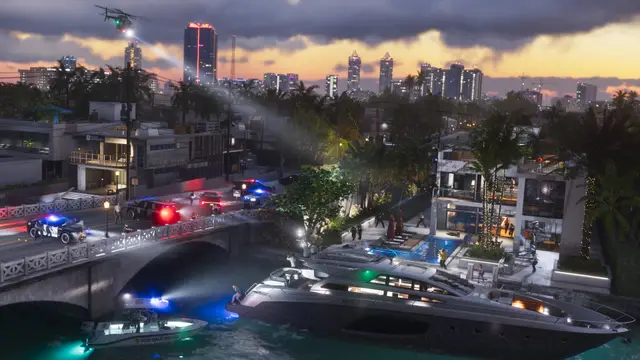
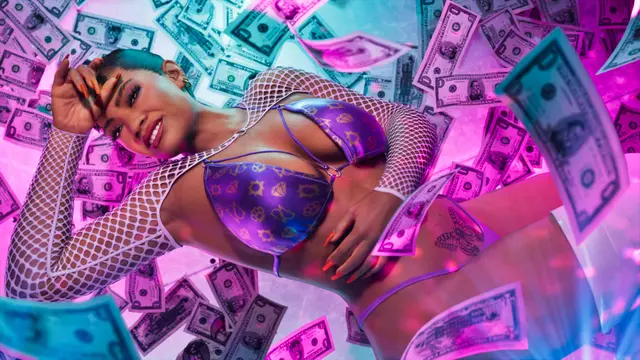
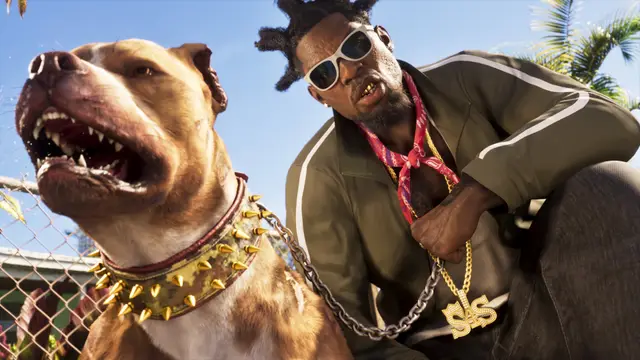
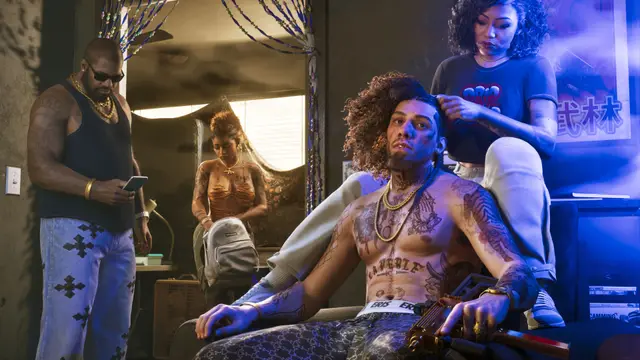
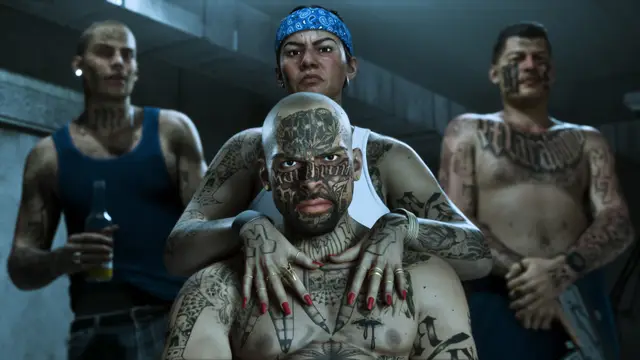
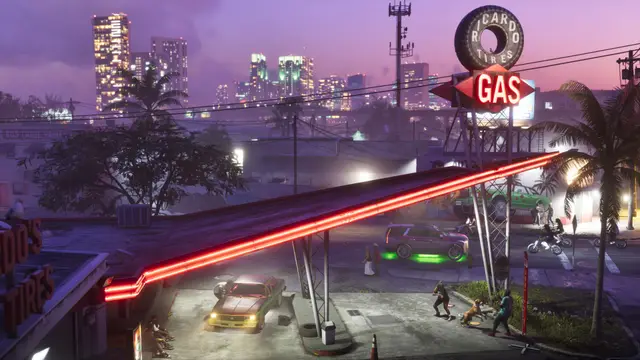
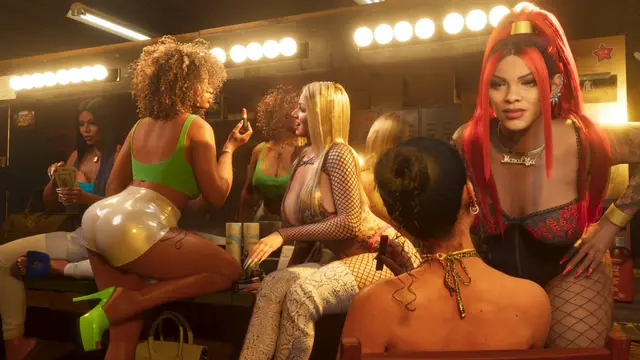
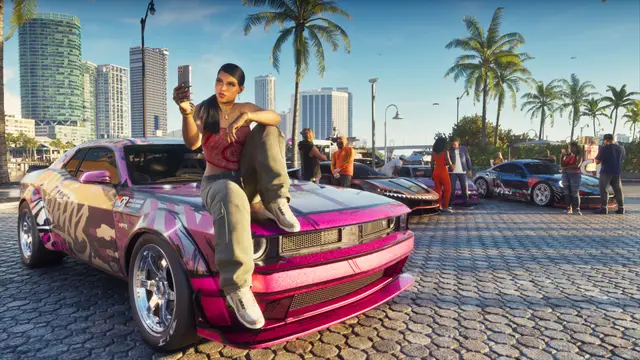
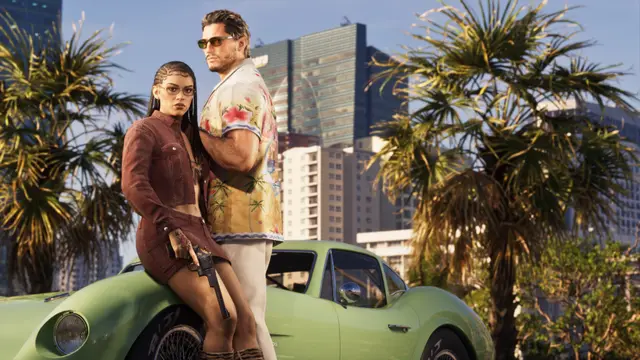
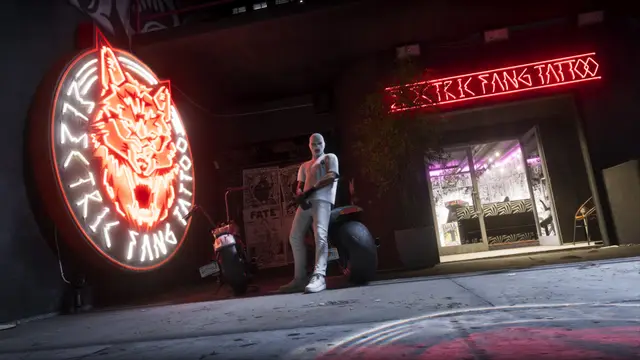
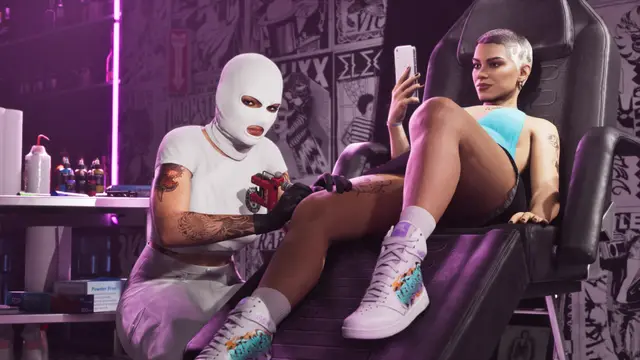
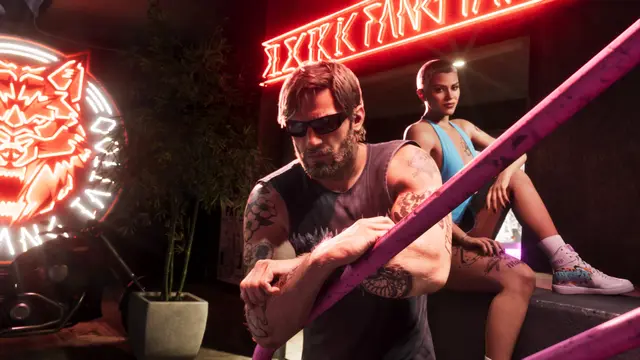
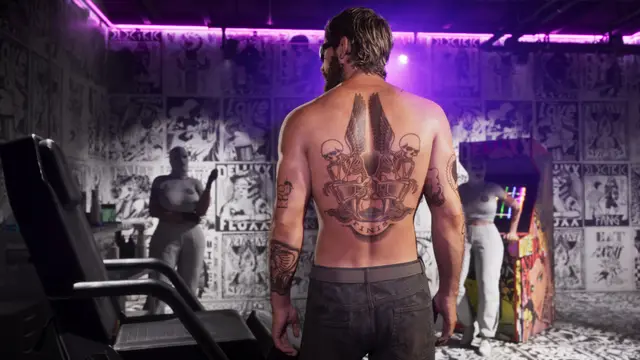
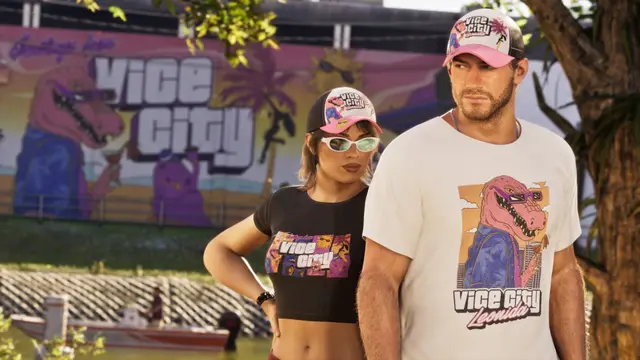
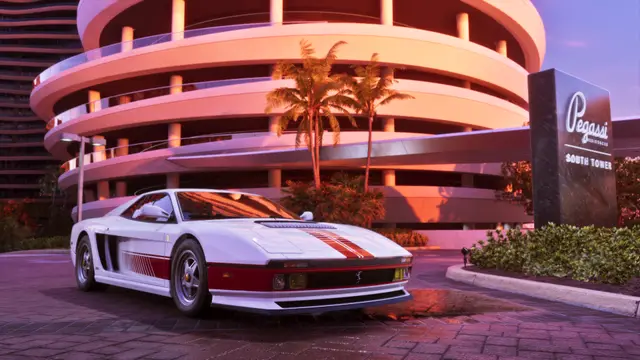
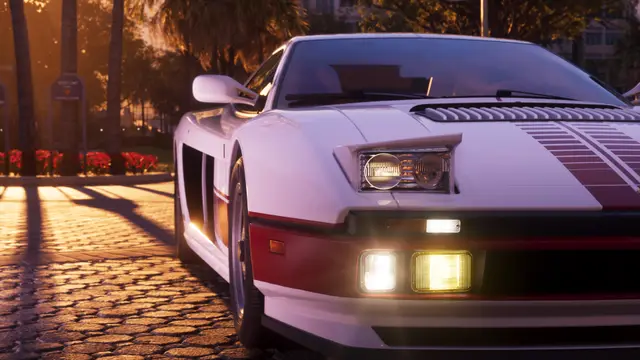
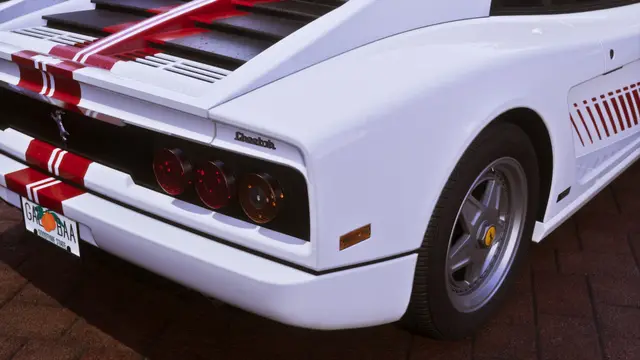
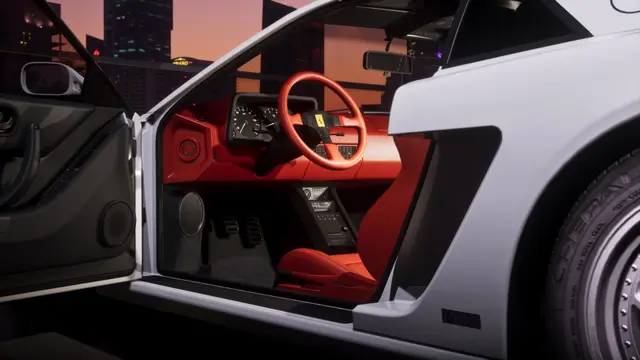
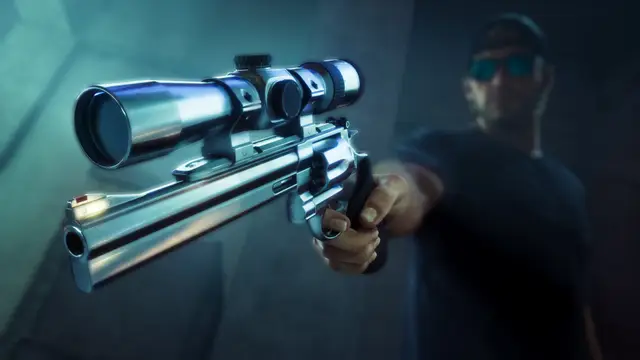
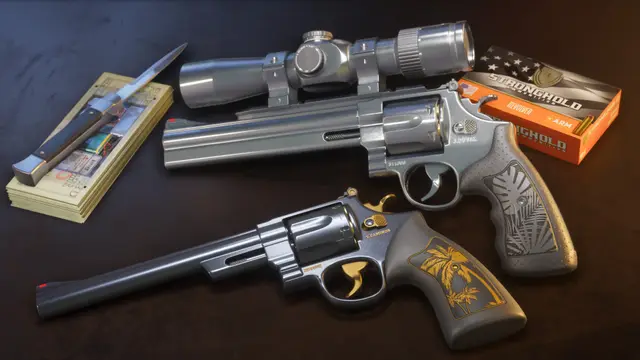
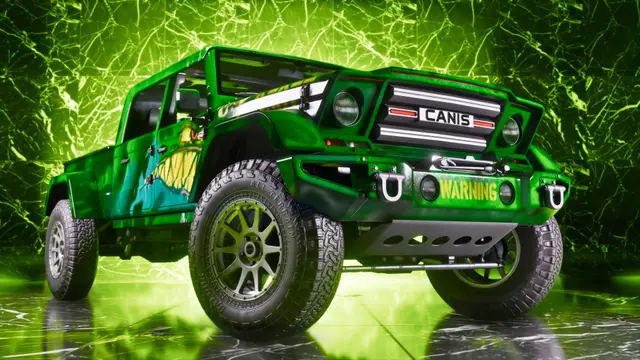
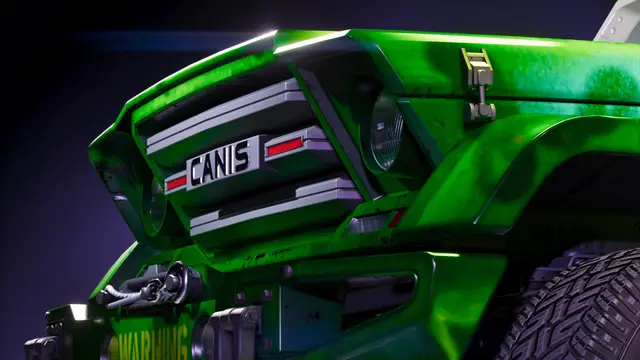
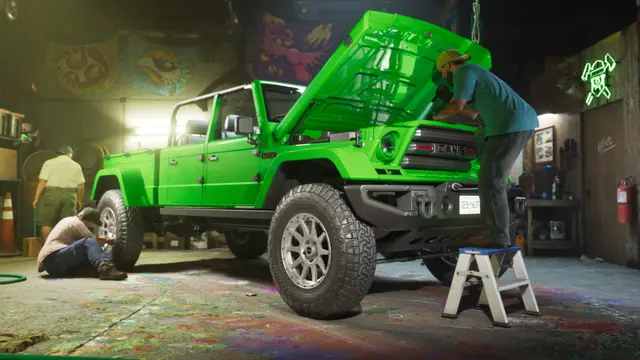
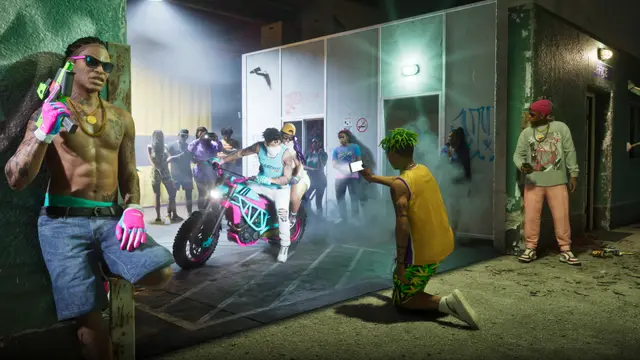
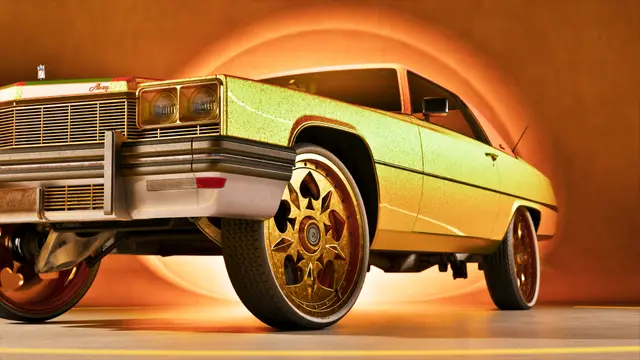
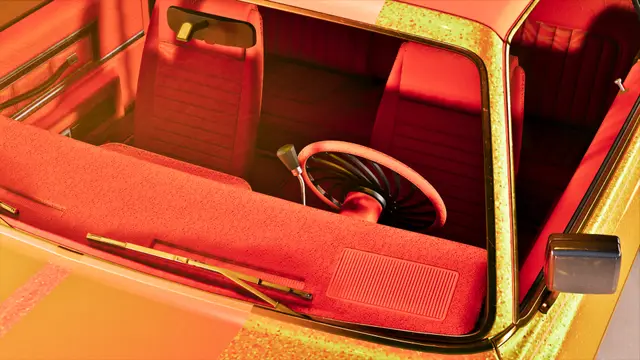
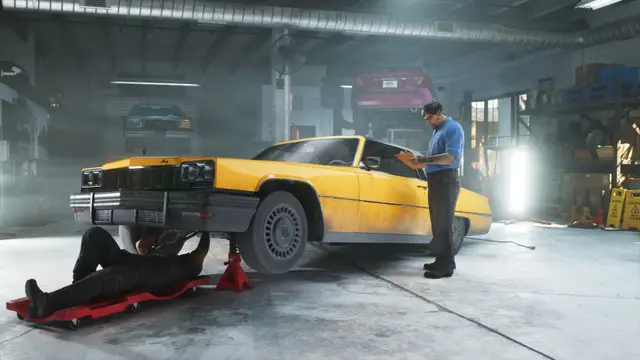
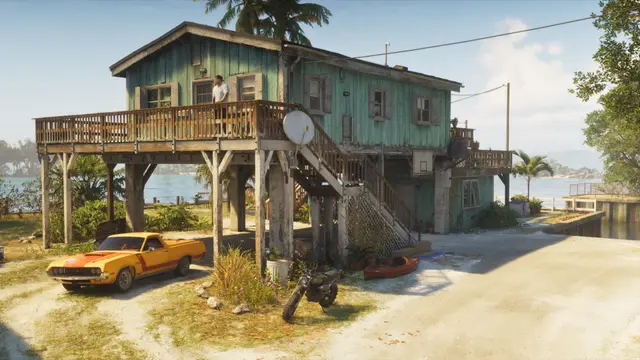
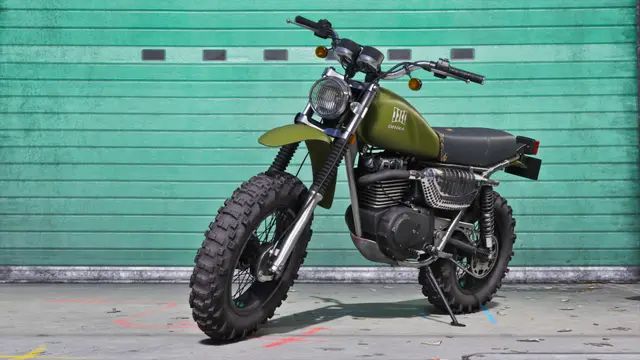
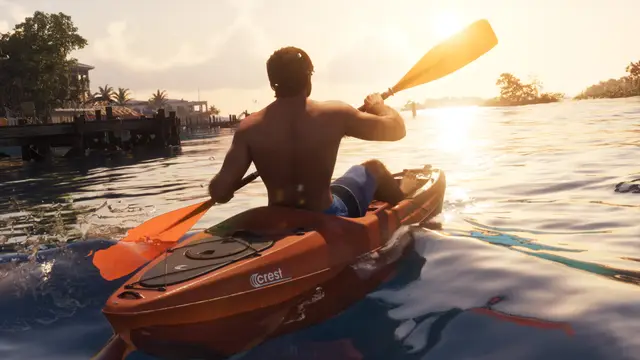
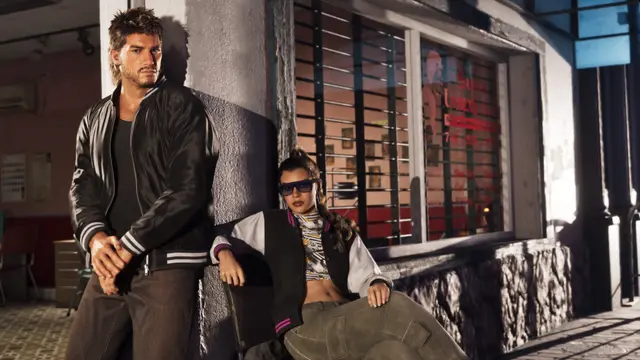
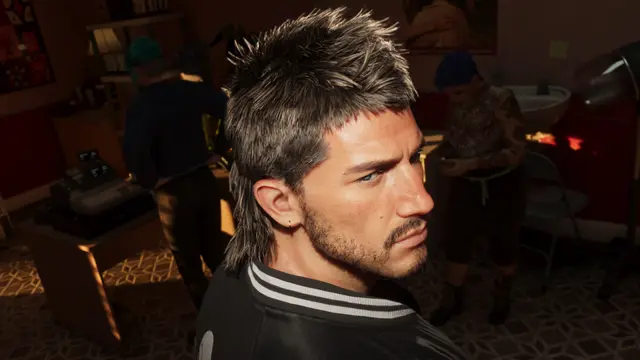
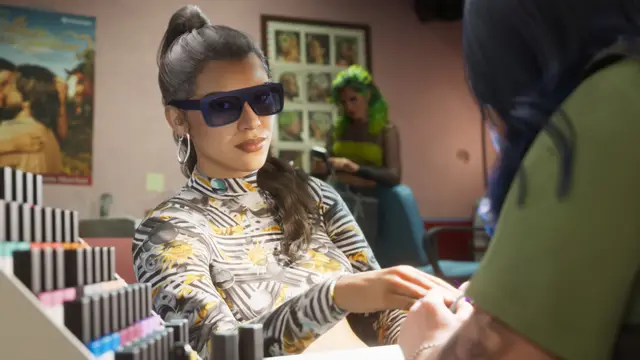
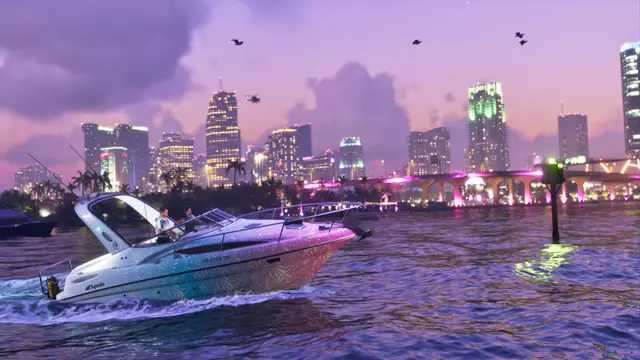
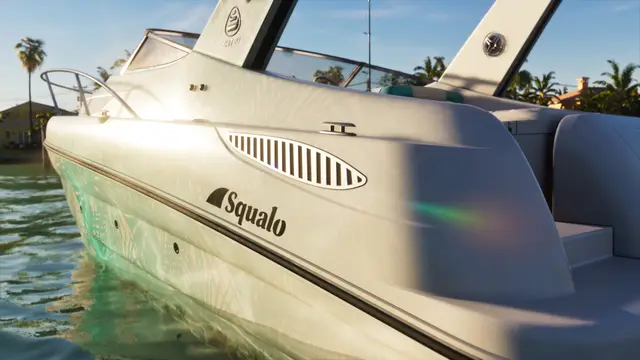
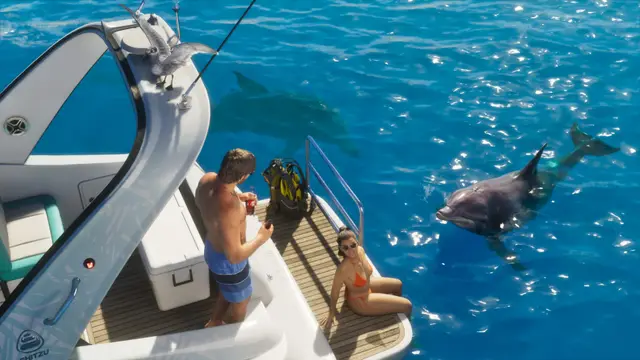
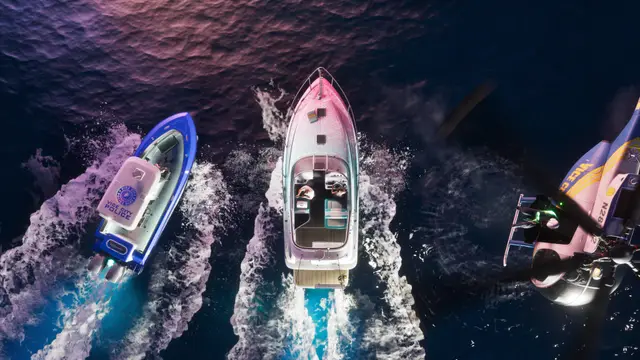
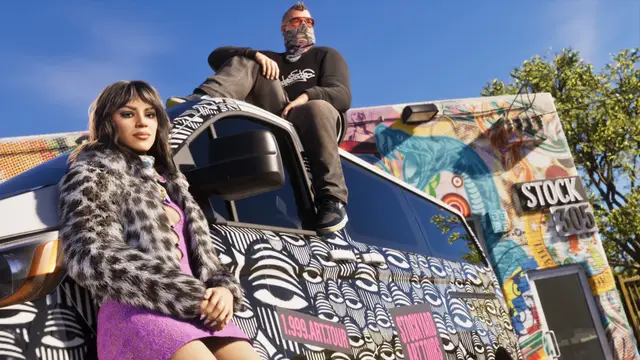
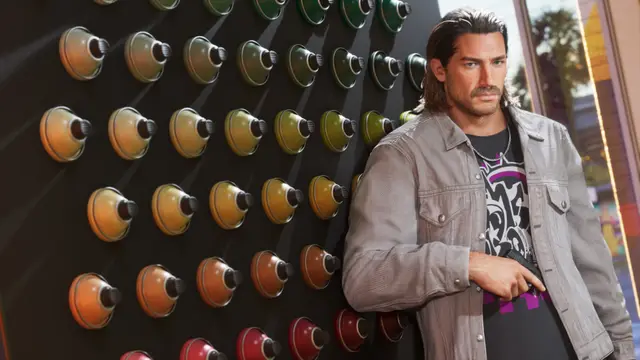
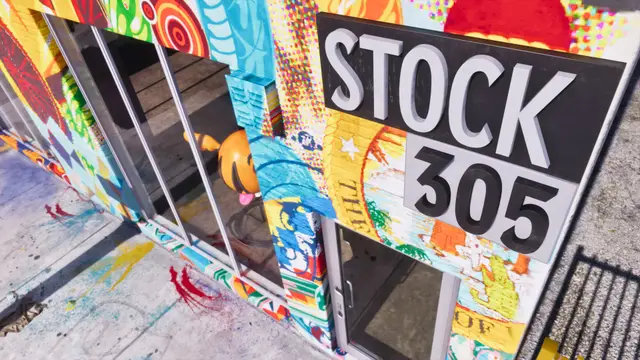
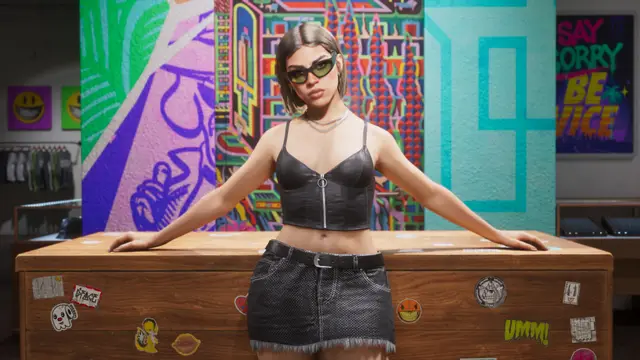
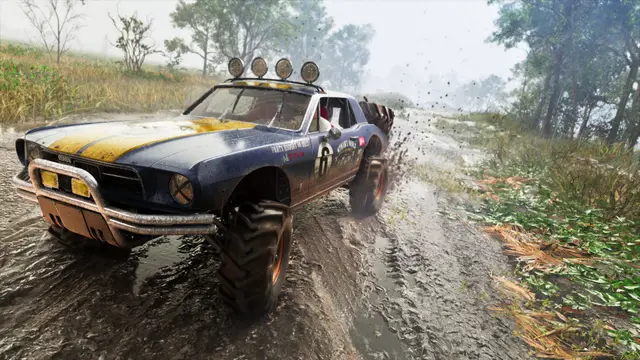
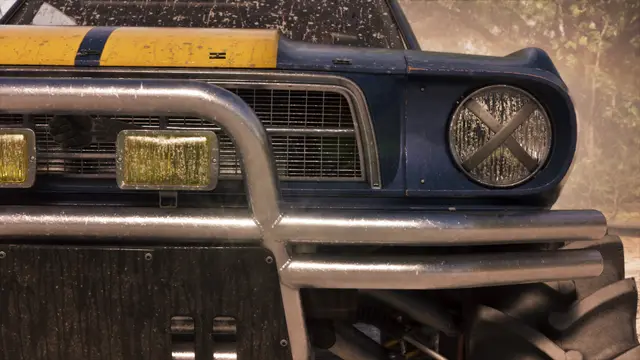
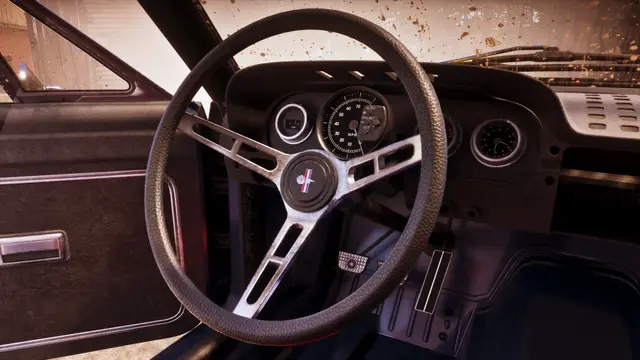
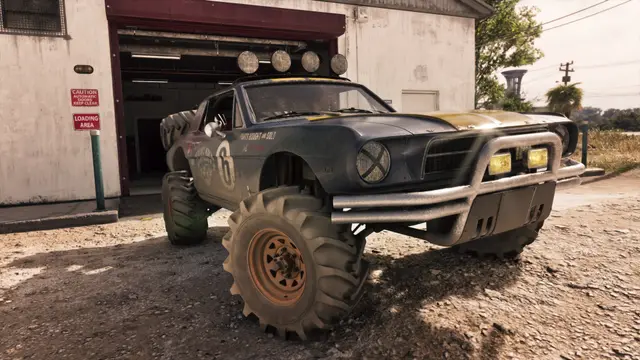
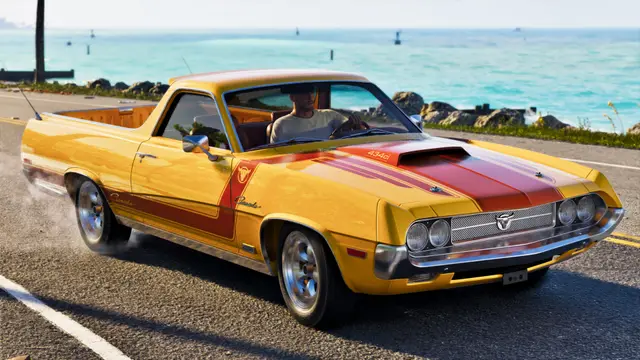
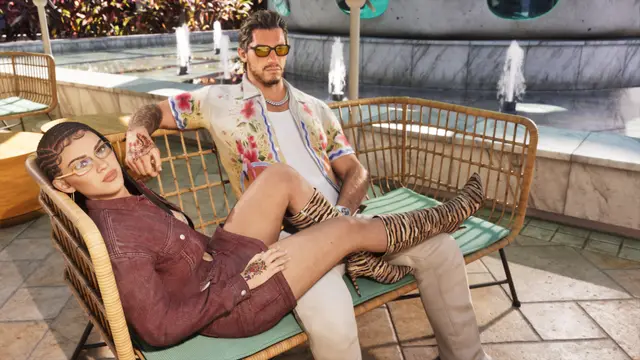
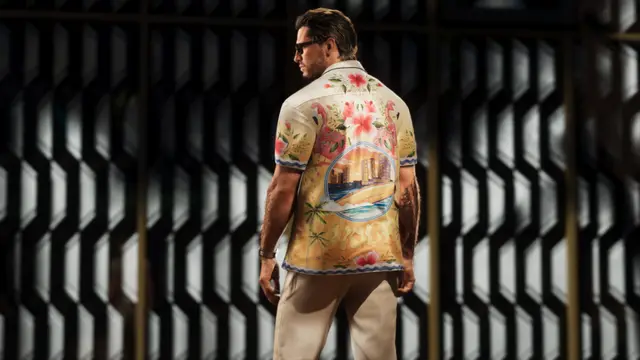
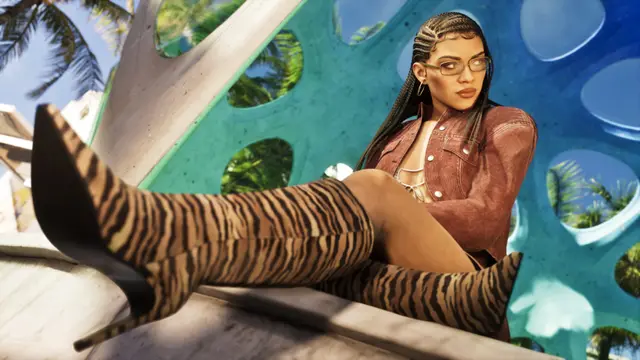
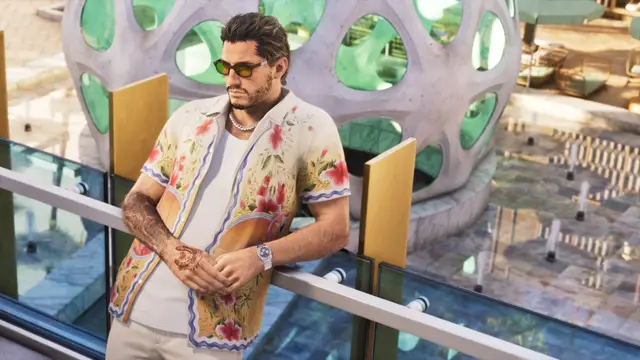
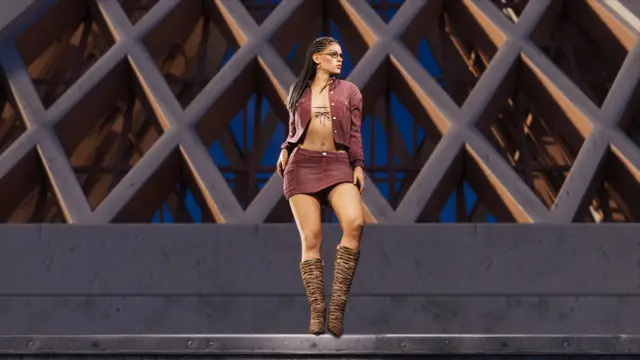
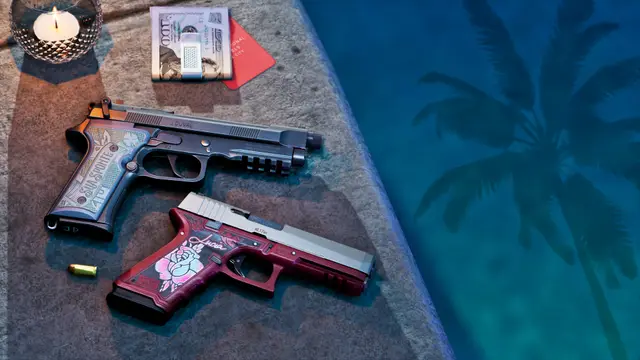
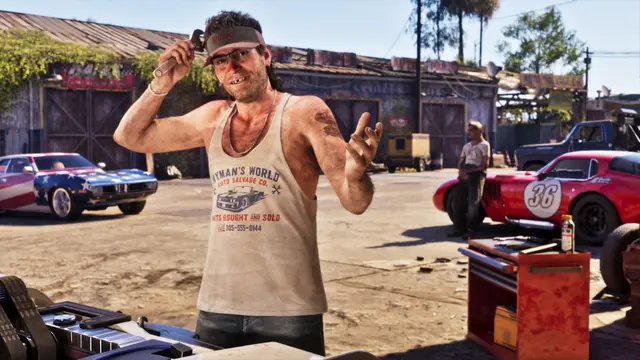
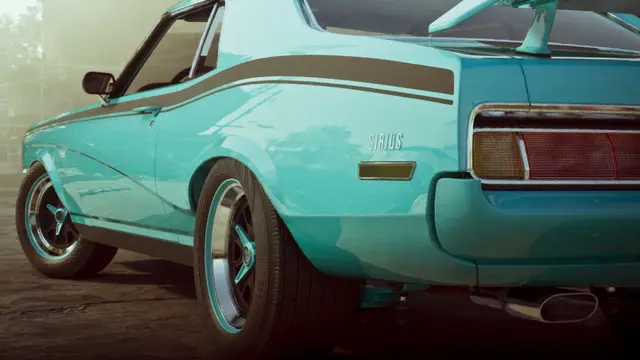
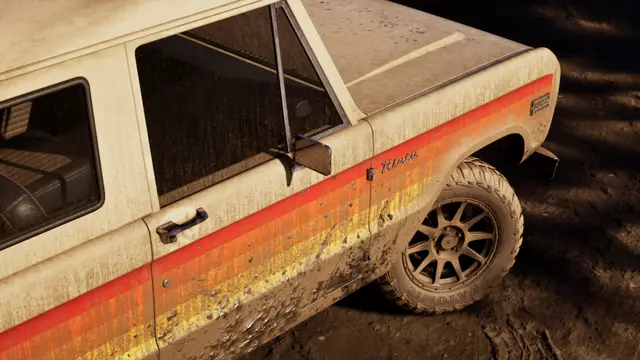
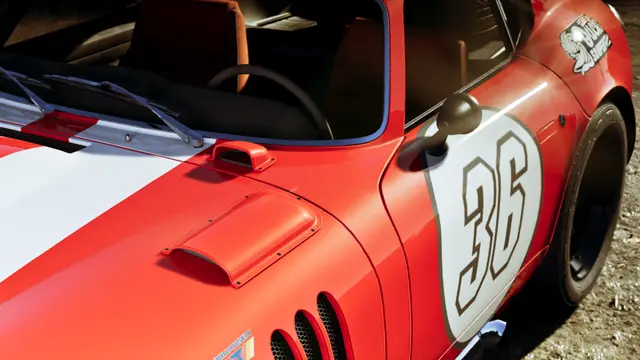
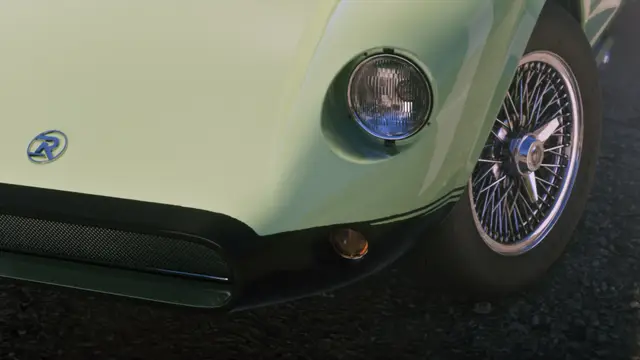
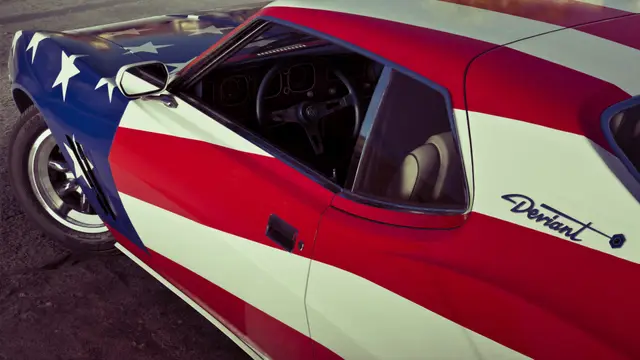
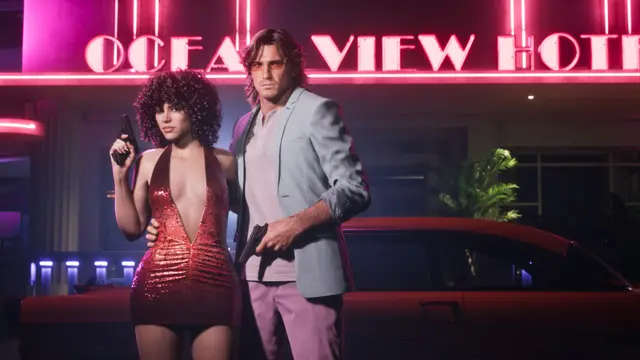
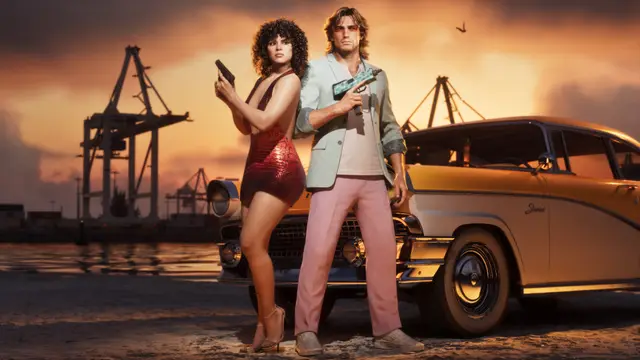
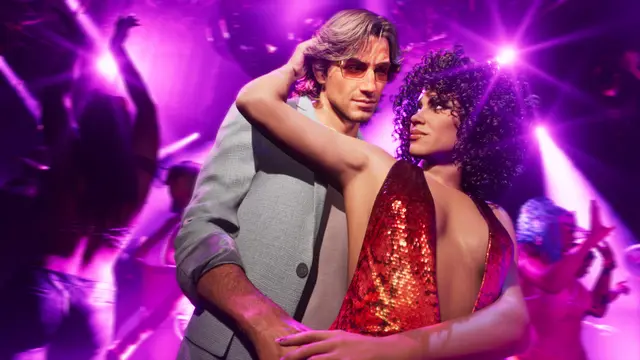
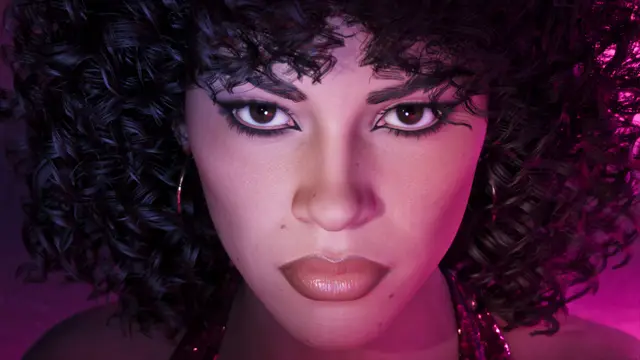
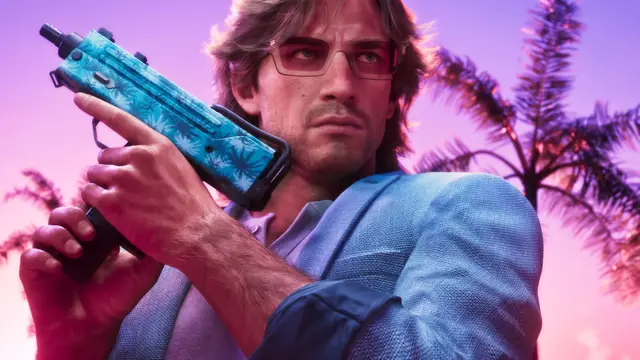
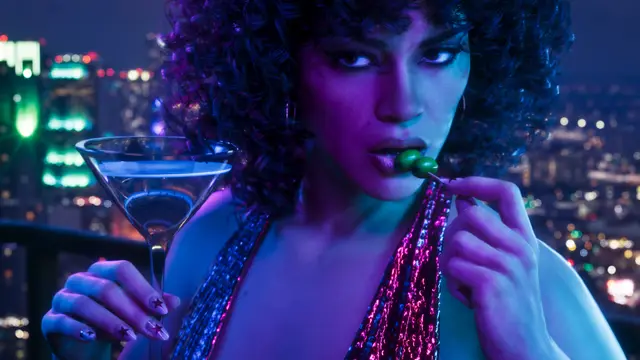
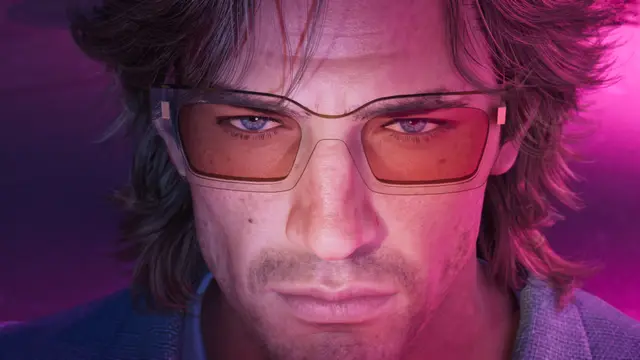
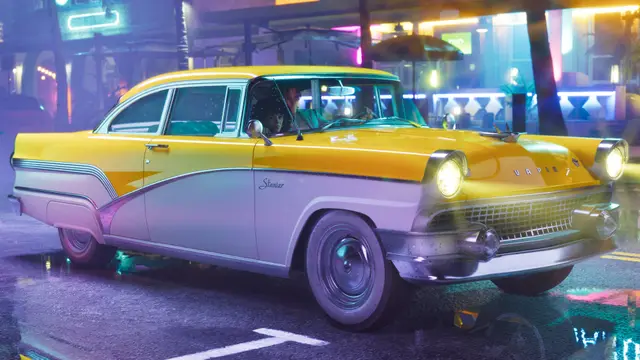
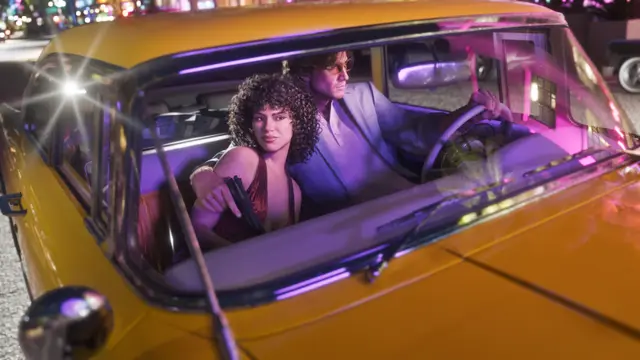
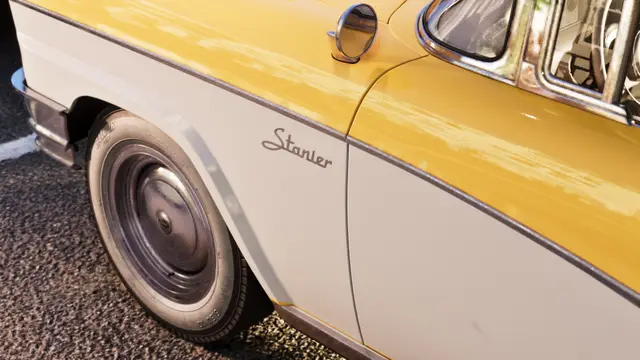
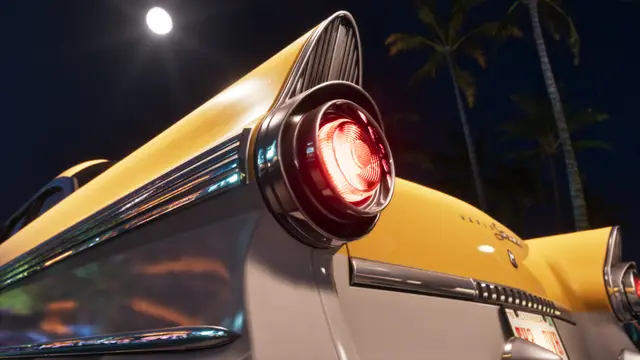
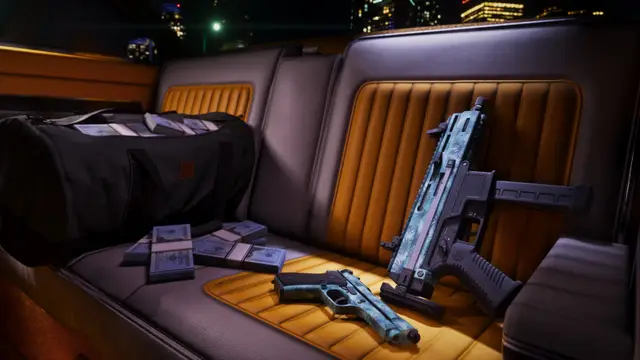
All 228 official images from Rockstar, free in 4K, desktop and phone sizes. Pick one to see every size and download it.
-
-
-
-
-
-
-
-
-
-
-
-
-
-
-
-
-
-
-
-
-
-
-
-
-
-
-
-
-
-
-
-
-
-
-
-
-
-
-
-
-
-
-
-
-
-
-
-
-
-
-
-
-
-
-
-
-
-
-
-
-
-
-
-
-
-
-
-
-
-
-
-
-
-
-
-
-
-
-
-
-
-
-
-
-
-
-
-

-
-
-
-
-
-
-
-
-
-
-

-
-
-
-
-
-
-
-
-
-
-
-
-
-
-
-
-
-
-
-
-
-
-
-
-
-
-
-
-
-
-
-
-
-
-
-
-
-
-
-
-
-
-
-
-
-
-
-
-
-
-
-
-
-
-
-
-
-
-
-
-
-
-
-
-
-
-
-
-
-
-
-
-
-
-
-
-
-
-
-
-
-
-
-
-
-
-
-
-
-
-
-
-
-
-
-
-
-
-
-
-
-
-
-
-
-
-
-
-
-
-
-
-
-
-
-
-
-
-
-
-
-
-
-
-
-
-
-
-


Picking a size
Open any wallpaper to see every size it comes in, then pick one. 4K suits 1440p and 4K monitors, Desktop suits 1080p screens and laptops, and Phone fits modern iPhone and Android screens. Use the Phone filter to see only wallpapers with a phone version. All files are JPG; images © Rockstar Games.
Loading screen video
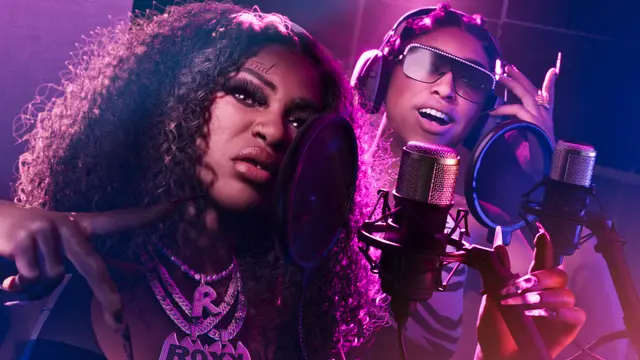
Rockstar has not released the game's own loading screens as downloadable art. This fan-made loading screen uses the official artwork style; it plays from YouTube and is here to watch only.
How to set a GTA 6 wallpaper
- iPhone: download the Phone size, open it in Photos, tap Share, then Use as Wallpaper.
- Android: download the Phone size, open it in Gallery or Photos, then choose Set as wallpaper.
- Windows: download Desktop or 4K, right-click the file and choose Set as desktop background.
- Mac: download Desktop or 4K, then System Settings, Wallpaper, Add Photo, and pick the file.
FAQ
Frequently asked questions
5 questions, answered from the sources on this page.
01 Are these GTA 6 wallpapers official?
Yes. All 228 come from Rockstar Games' own Grand Theft Auto VI media page, which offers them to download and share.
02 Is there a GTA 6 4K wallpaper?
Yes. Every one of the 228 images downloads at 3840×2160 (4K), plus a 1920×1080 desktop size.
03 Are there GTA 6 phone wallpapers?
Yes. 27 artworks have a phone version from Rockstar, up to 1440×3200, sized for modern iPhone and Android screens. Many also come in ultrawide, tablet and square sizes.
04 What is the GTA 6 loading screen?
The game's own loading screens play in-game, but Rockstar has not released them as downloadable art. The video on this page is a fan-made loading screen; the official artwork here is the closest official equivalent.
05 Can I use these wallpapers for free?
Yes, for personal use such as your desktop or phone. The images remain © Rockstar Games.
Sources
Where these facts come from
- 1 Rockstar Games, Grand Theft Auto VI Media: Artwork & Wallpapers 25 official downloads Official
- 2 YouTube, “GTA 6 Loading Screen 2” by dech (fan video, not from Rockstar) Press
How we label facts
- Confirmed (Officially Confirmed) Rockstar or Take-Two said it themselves. e.g. GTA 6 launches 19 November 2026, from Rockstar's own site.
- Reported A trusted outlet or store listing says it; Rockstar hasn't. e.g. The 1.002 update size, from outlets that checked the stores.
- Unverified Seen or claimed, but nobody official has named it. e.g. A place spotted in a trailer that has no official name yet.
- Speculation Leaks, guesses and predictions. e.g. A 2027 PC release, based on how long GTA 5 took.
Launch
More launch guides

Release date and time
Local unlock time, countdown and preload date.

Editions and price
Standard vs Ultimate, prices by country, no-disc boxes.

Download size
How many GB on PS5 and Xbox, and how to preload.

Platforms
PS5, Xbox Series X|S, PS4, Switch 2 and crossplay answered.

PC release date
What Rockstar has said about PC, and what is only rumour.

GTA 6 Online
Is there online at launch? Confirmed vs rumoured.